Advanced insights into application utilization patterns for data-driven productivity optimization and workforce efficiency
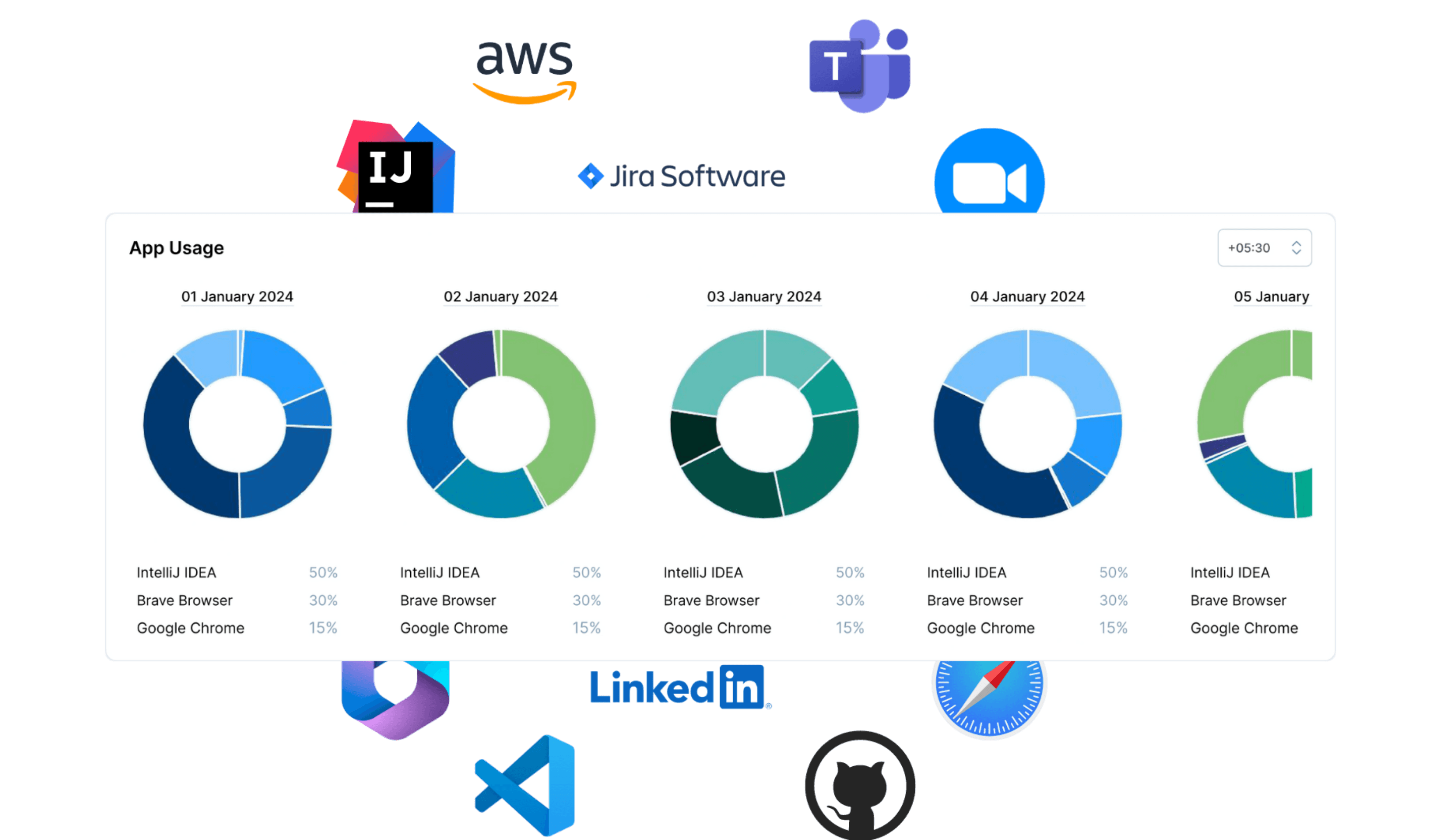
Capture application usage data generated during real work.
Usage is recorded by workspace, domain, team, and user for accurate time tracking.
Designed for workforce productivity and time tracking insights without intrusive scoring.
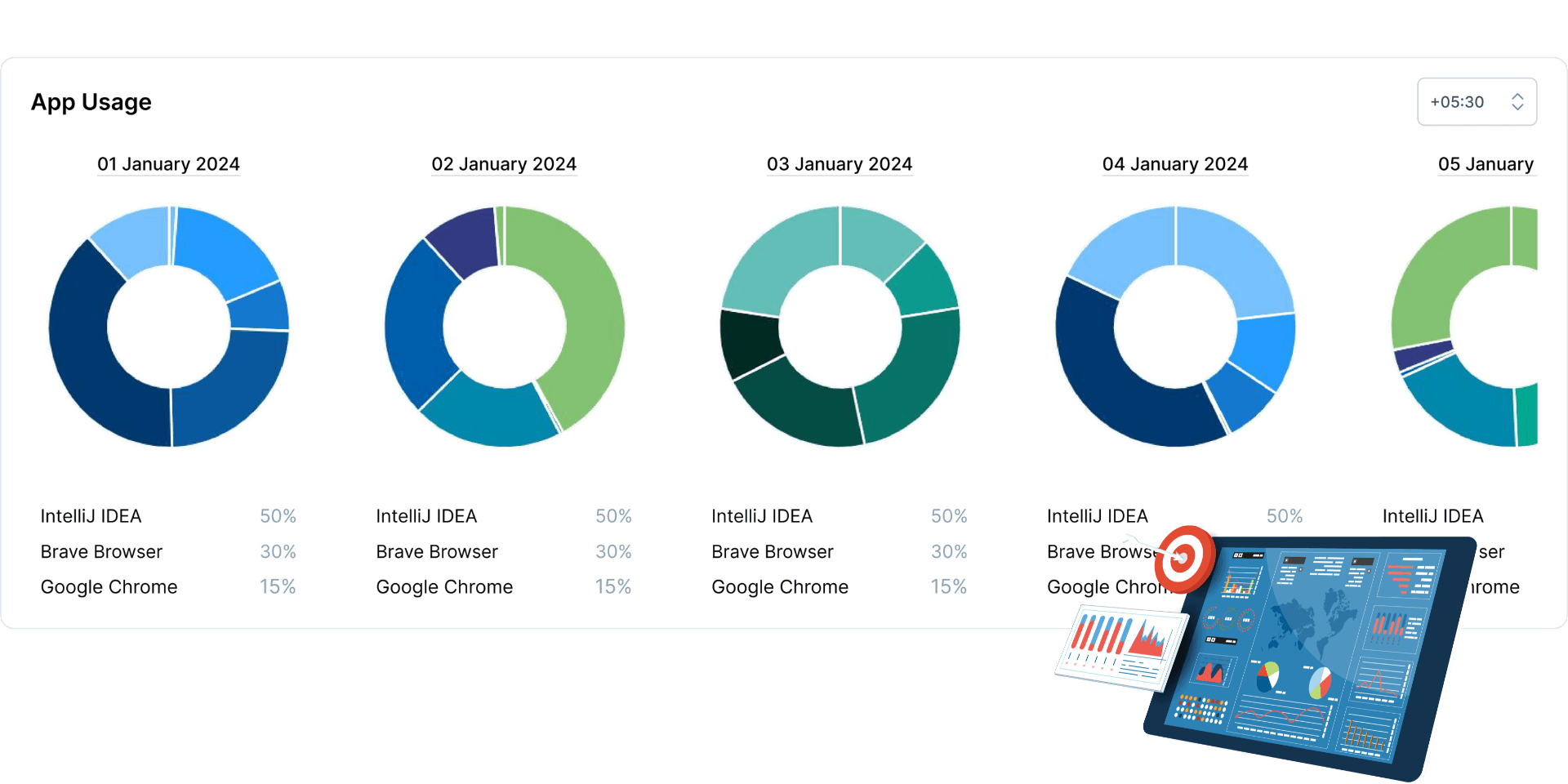
View application usage by hour, day, week, month, or year.
Helps understand work patterns and time continuity over time.
No interpretation or performance evaluation is applied.

View application usage at individual or team level with clear workforce context.
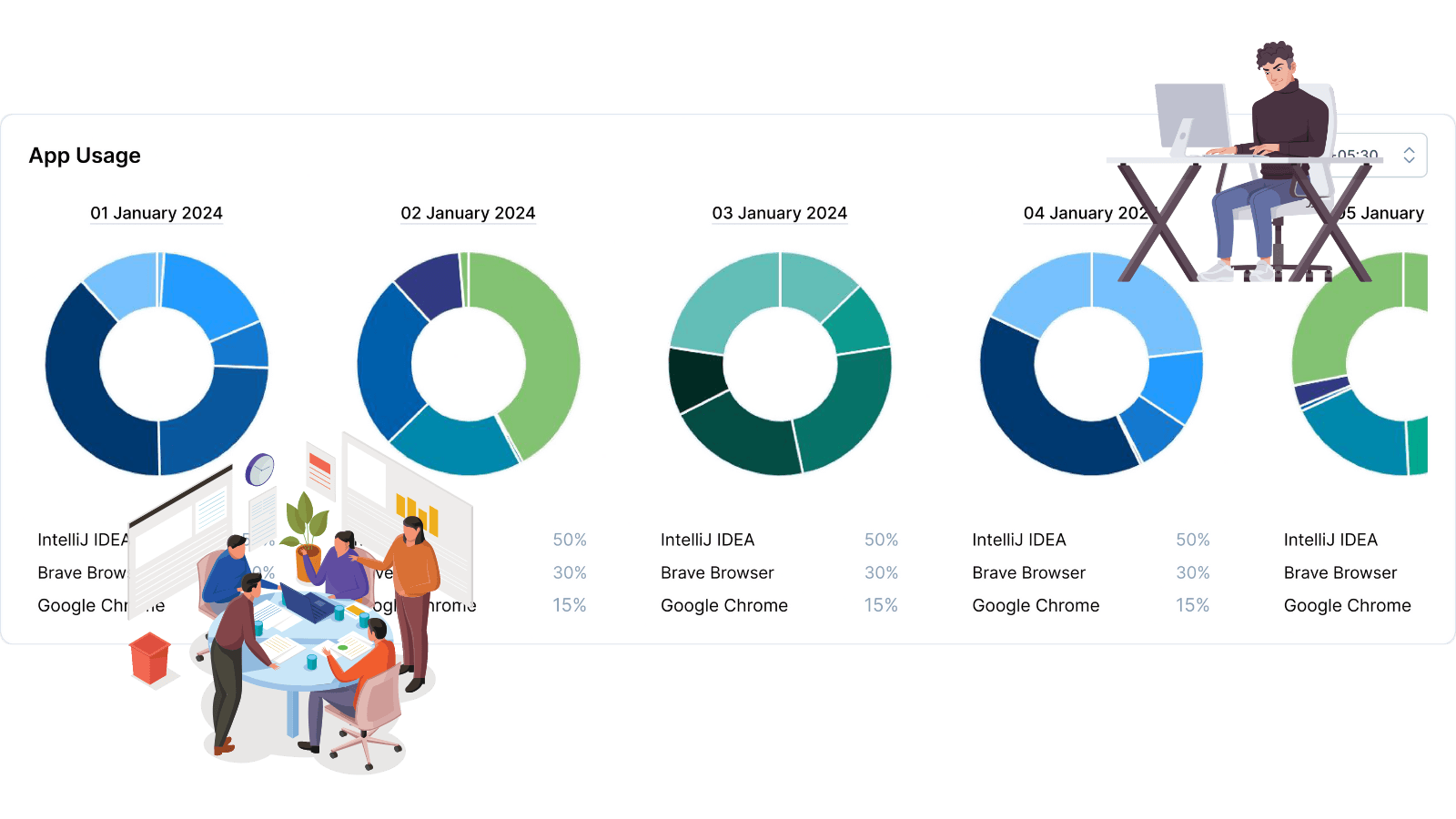
Choose workspace, domain, team, or project.
Select a predefined or custom date range.
View usage by hour, day, week, month, or year.
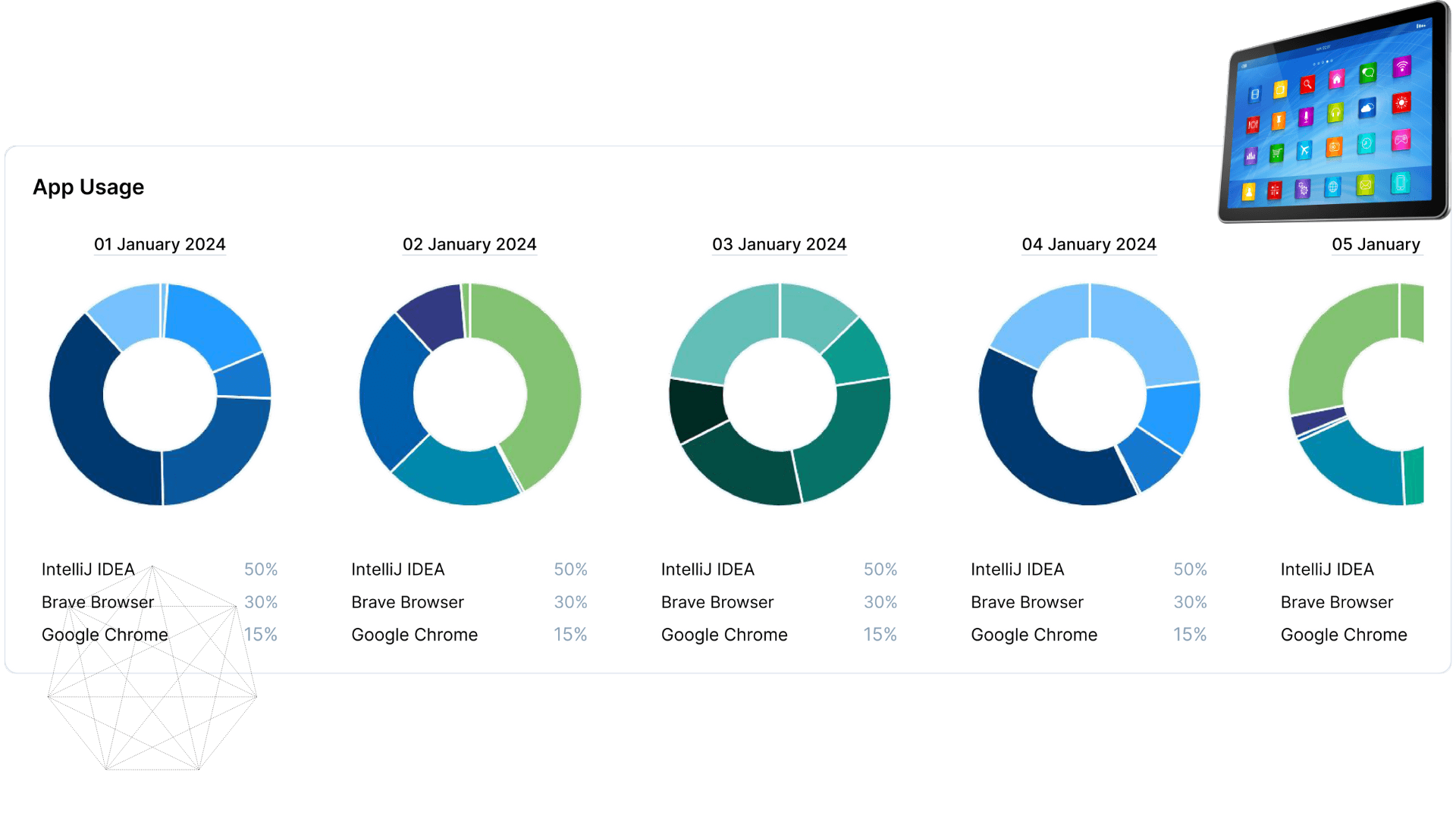
Application usage provides a reliable foundation for workforce productivity analysis and time tracking visibility.
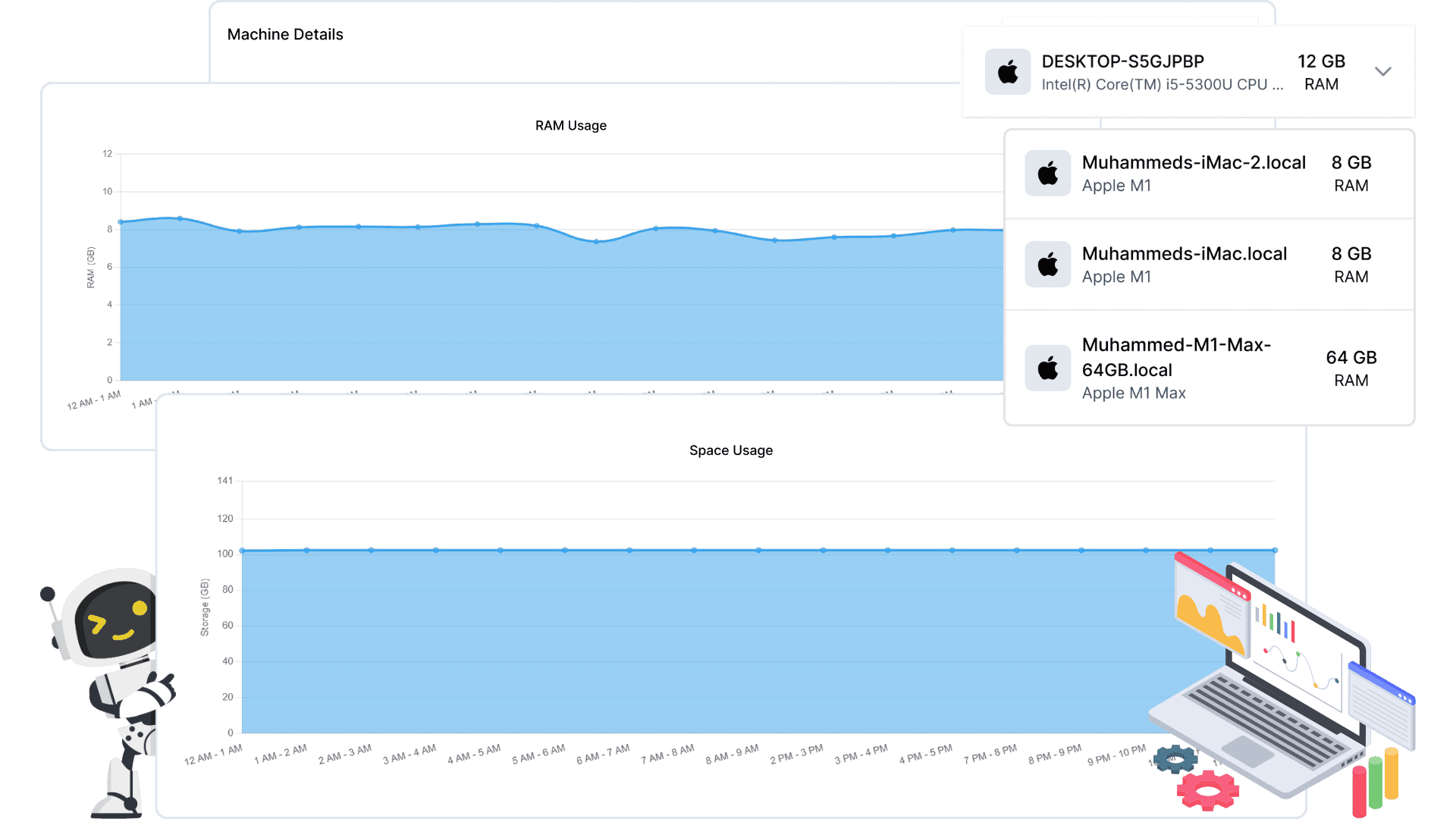
Real-time machine resource monitoring with advanced analytics. Track RAM usage, disk space, and hardware performance across multiple timeframes for optimized infrastructure management.
View feature »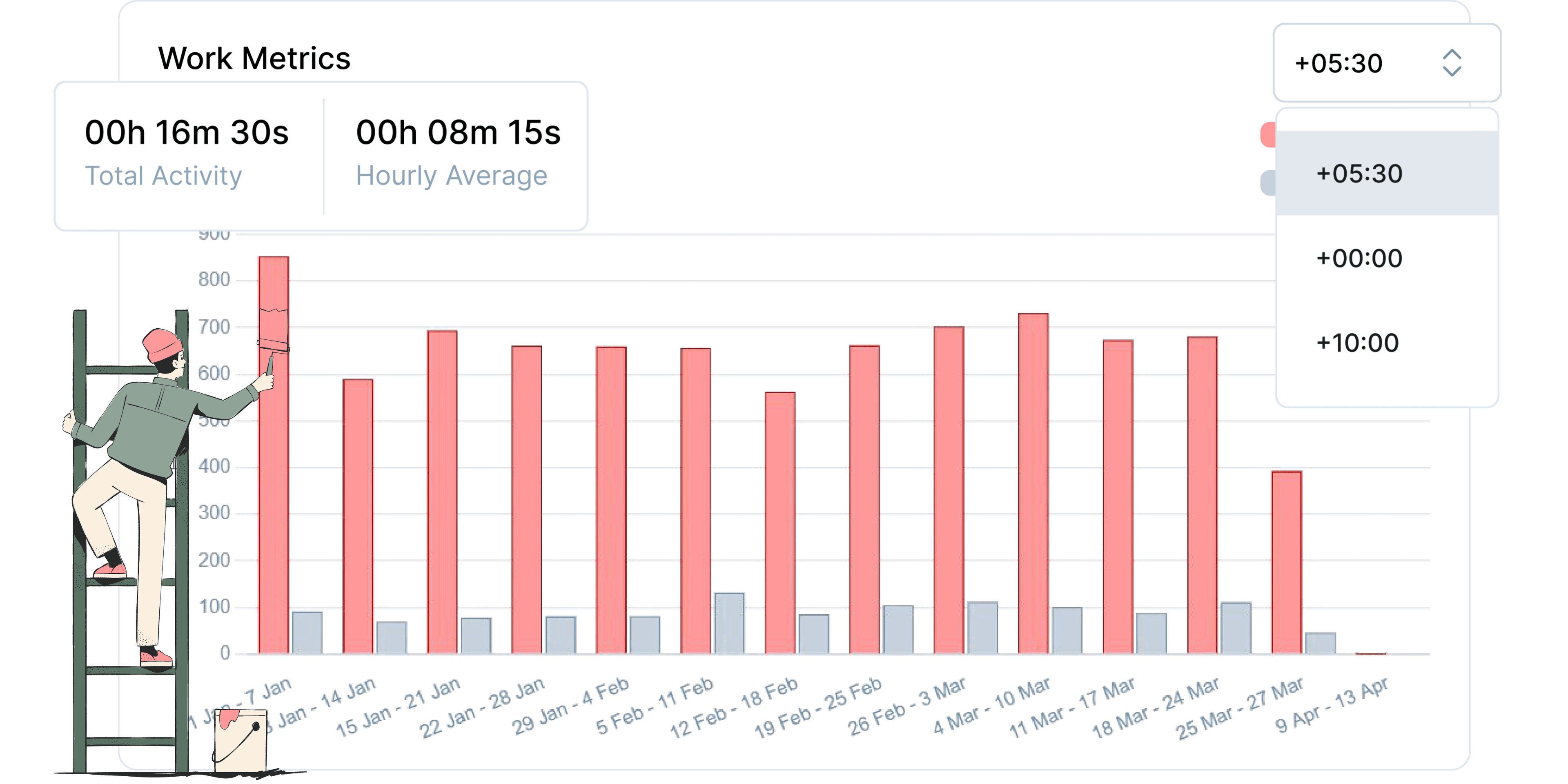
Data-driven insights into employee work patterns and performance metrics.
View feature »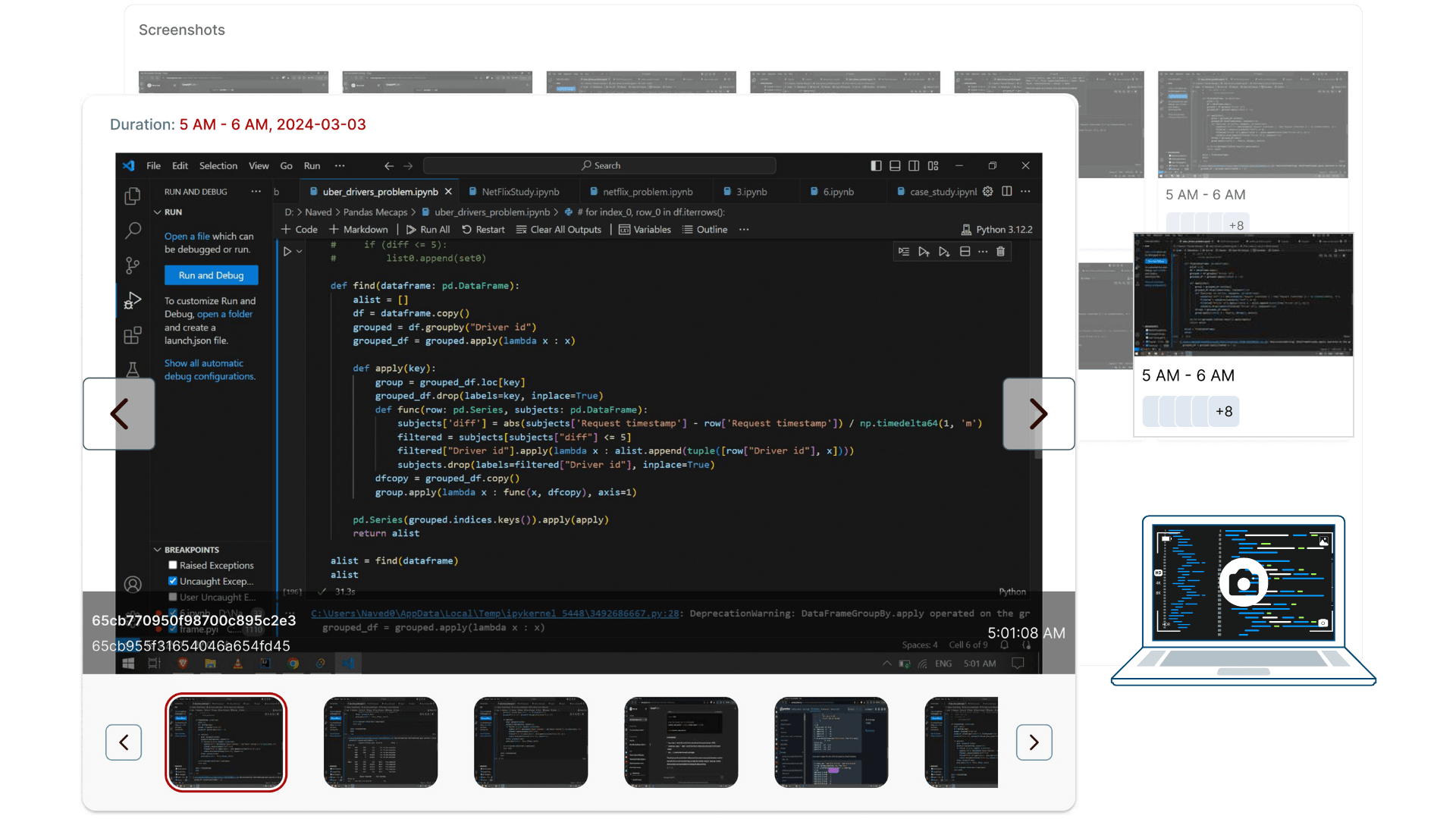
For teams that need verifiable timesheets, Productiviti offers optional, privacy-first activity logging. Features include: employee-controlled pause and full visibility into what's captured. Always deployed with clear policies and team consent.
View feature »No. Application usage is captured as work activity data to support workforce productivity and time tracking, not individual scoring.
Yes. Usage data is organized across workspace, domain, team, and user levels.
Yes. Usage can be viewed across hourly, daily, weekly, monthly, and yearly ranges.
Yes. It supports transparent workforce productivity analysis and time tracking for distributed teams.
The platform avoids scoring or ranking individuals and focuses on work context and time trends rather than behavior evaluation.