Efficiently manage users, roles, and permissions across domains, teams and projects for streamlined access control and enhanced productivity.
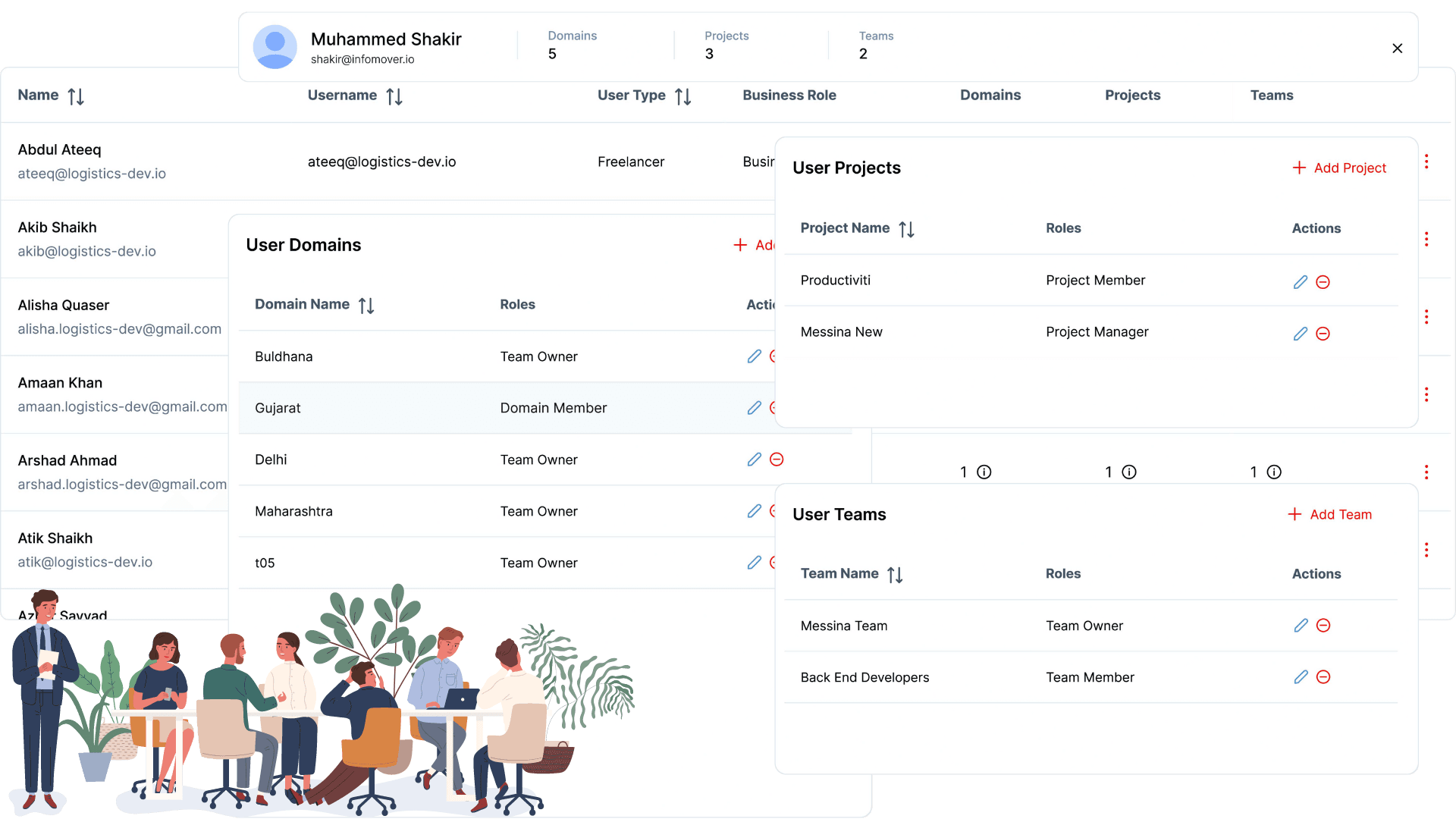
This centralized overview of user data, including their teams, business roles, user types, and cross-organizational associations, enables effective personnel management and strategic resource allocation across the company's domains and projects.
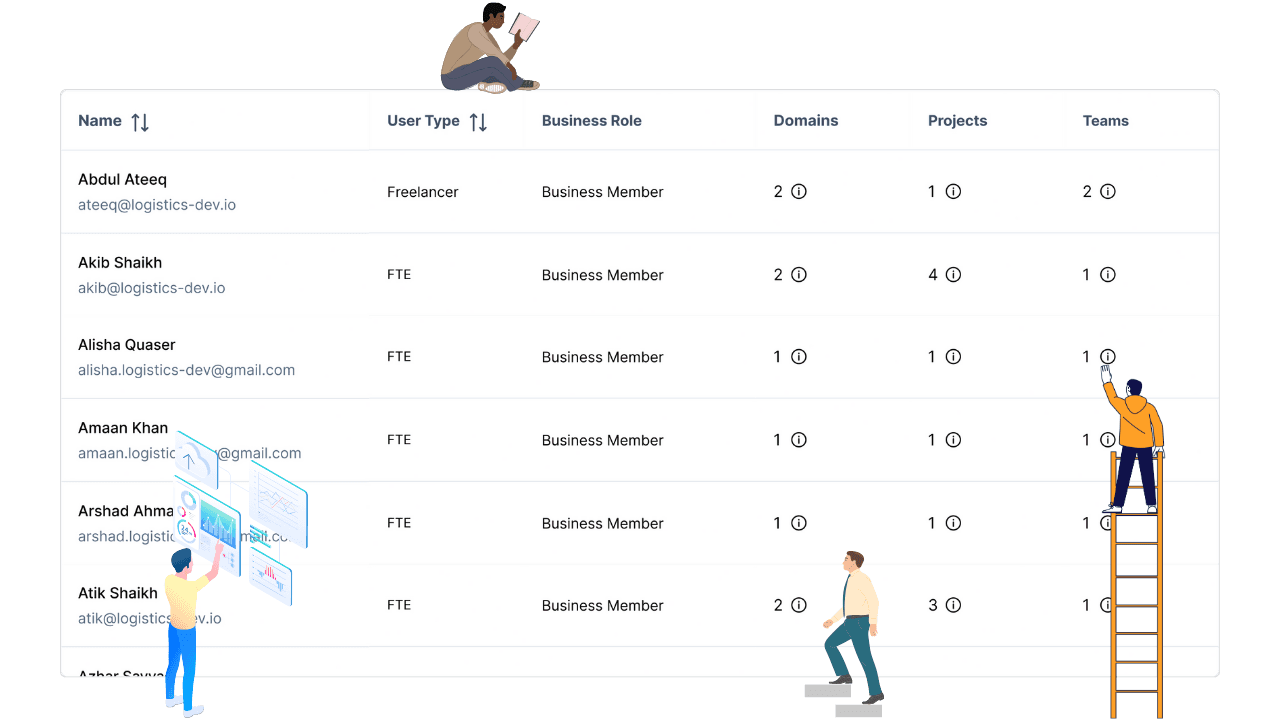
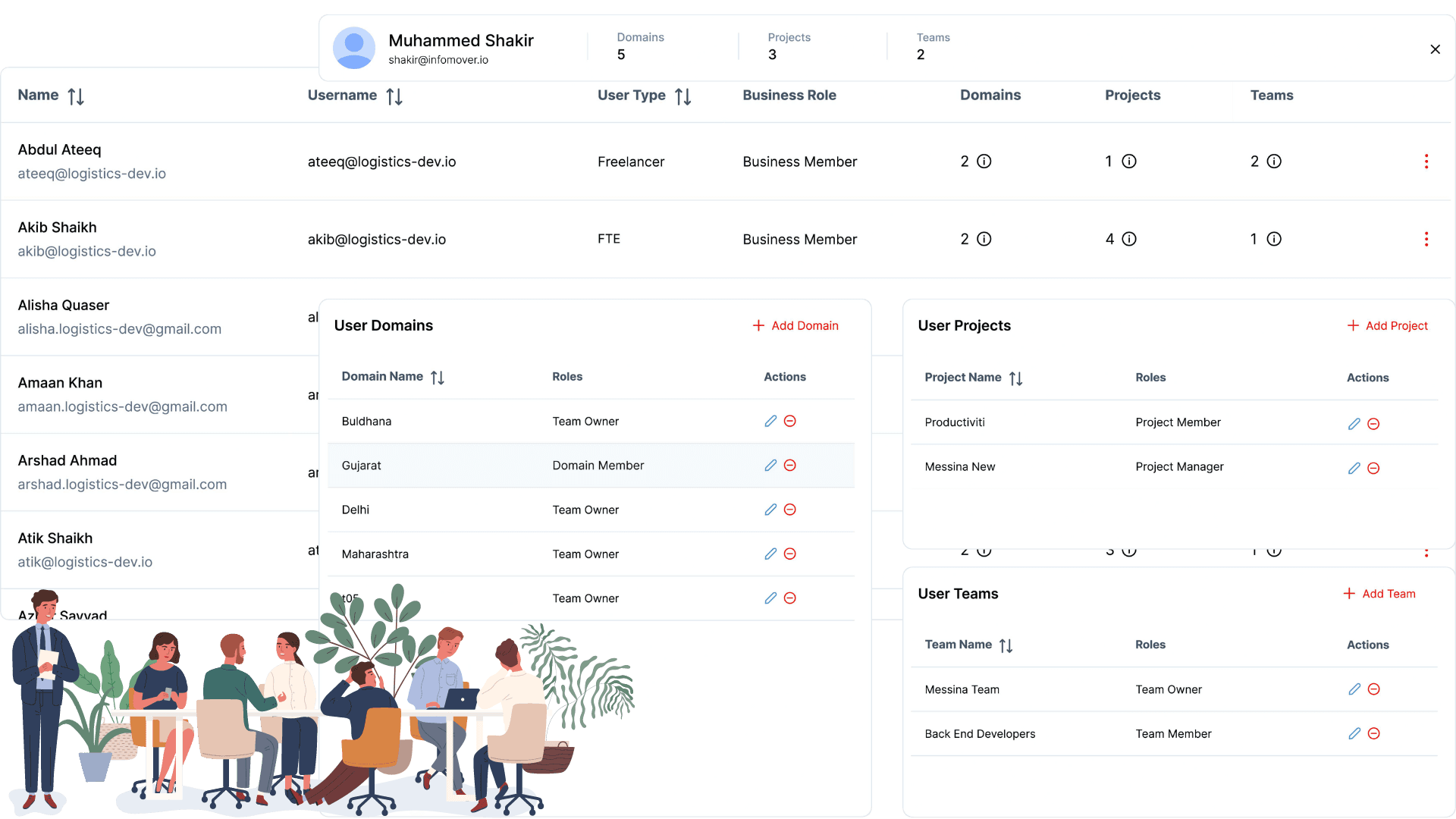
Simplify the management of user domains, projects, and teams with an organized interface. Effortlessly handle roles and associations, ensuring accuracy and efficiency in user assignments. Optimize workflows by making this complex task straightforward and manageable.
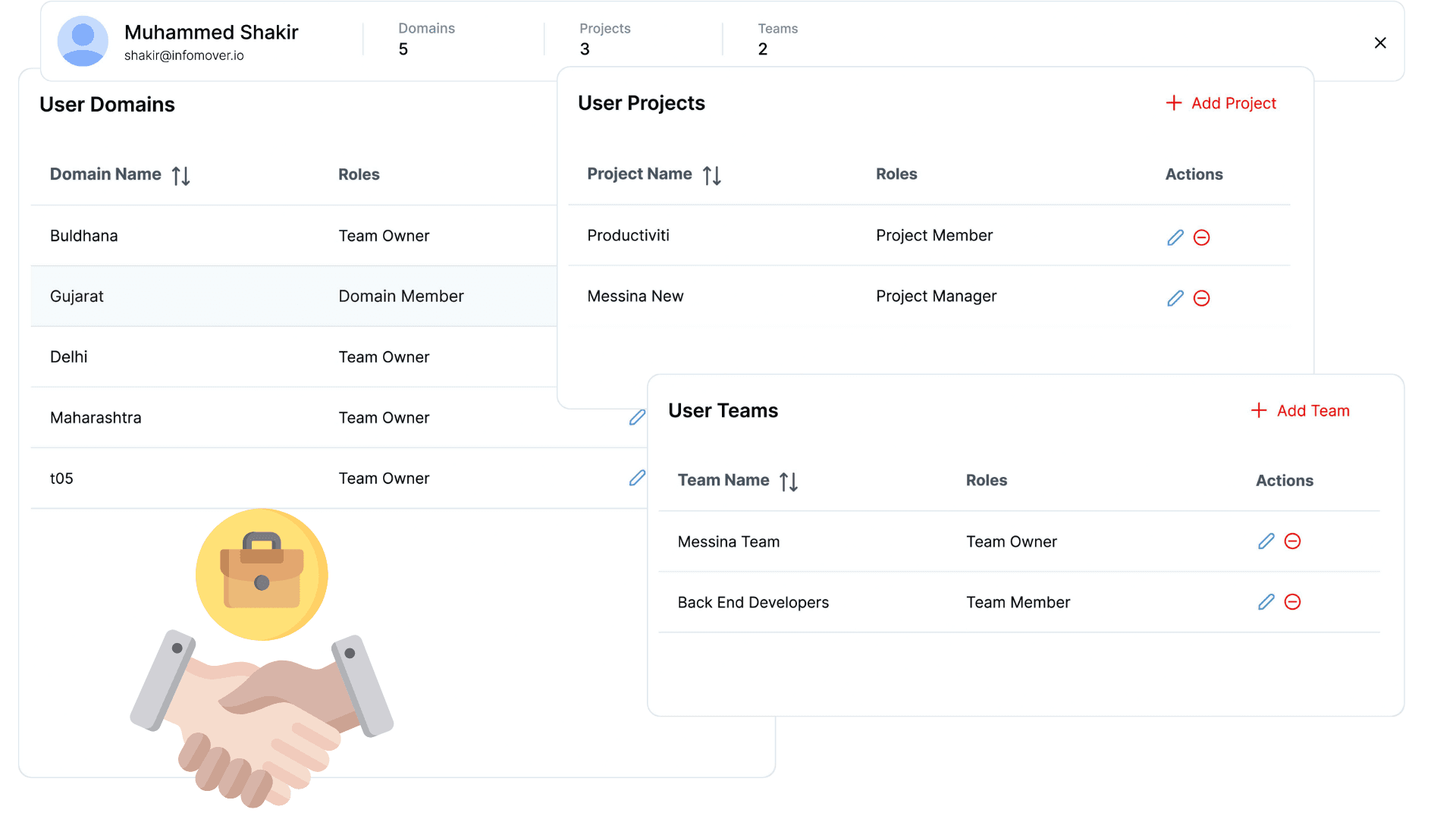
Define domain, project, and team roles upfront during user invitations. Ensure immediate clarity of responsibilities and access levels to boost user onboarding and efficiency. Simplify the process of assigning roles to enhance collaboration and streamline workflow management.
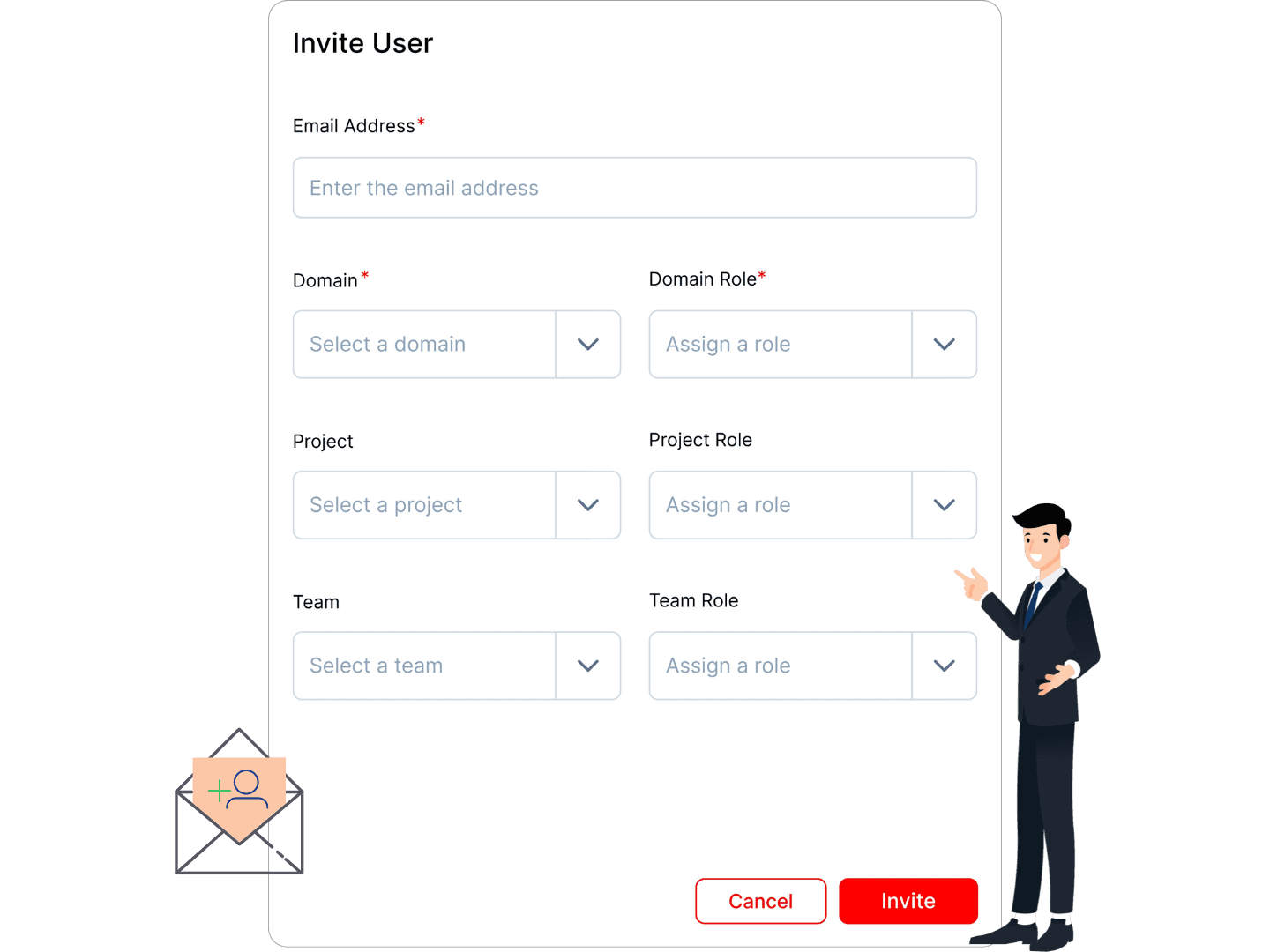
Easily invite users to your business ecosystem and manage their access and permissions across your platform.
Assign and manage user associations to specific domains, projects, and teams, and remove them when necessary for streamlined access control.
Define and assign roles and access levels to users for each domain, project, and team, ensuring proper permissions and security.
Effortlessly manage users, roles, and access across teams and projects for optimized workflows.
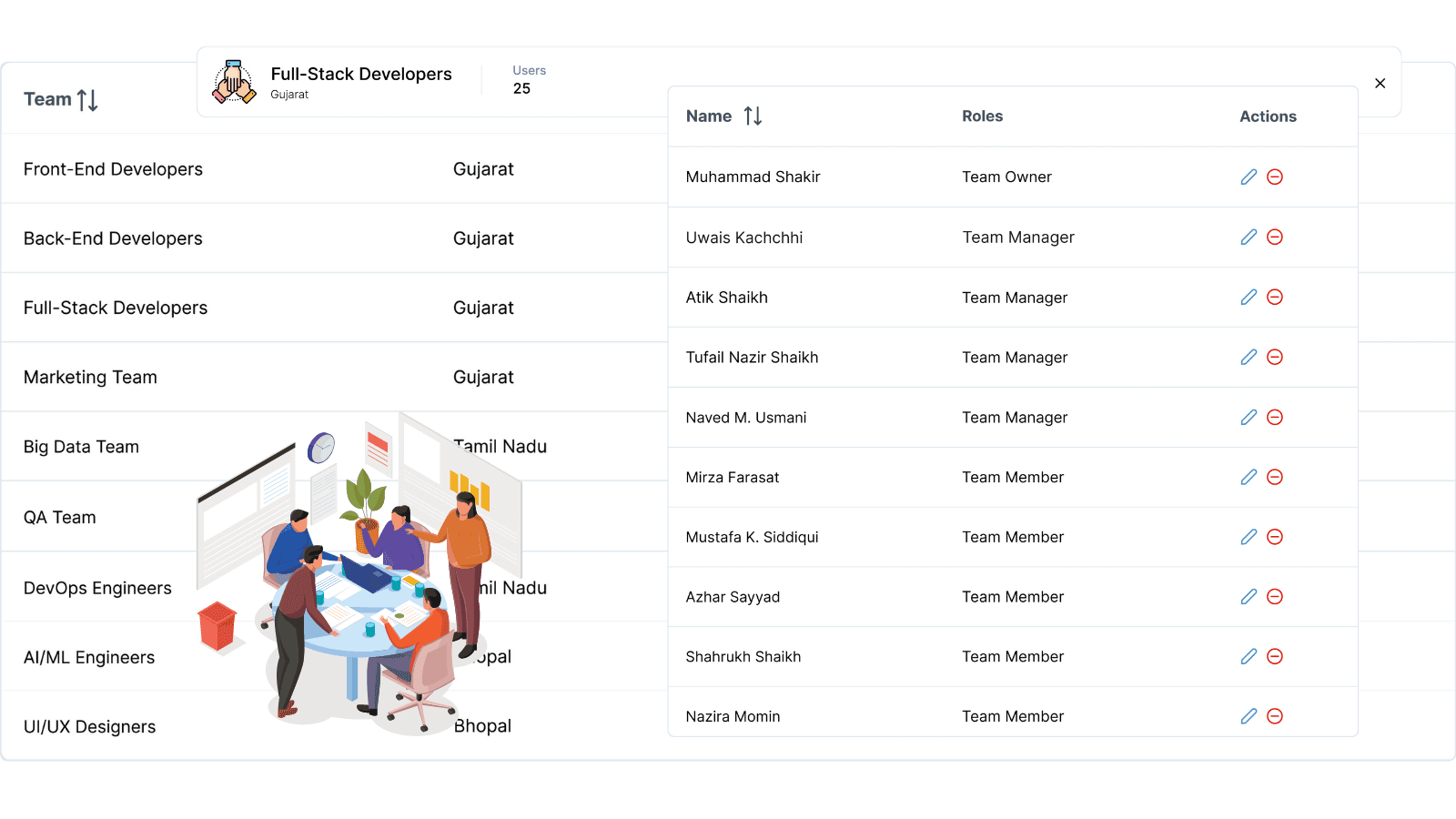
Enhance workforce visibility and team coordination with an intuitive dashboard for seamless team organization and user management.
View feature »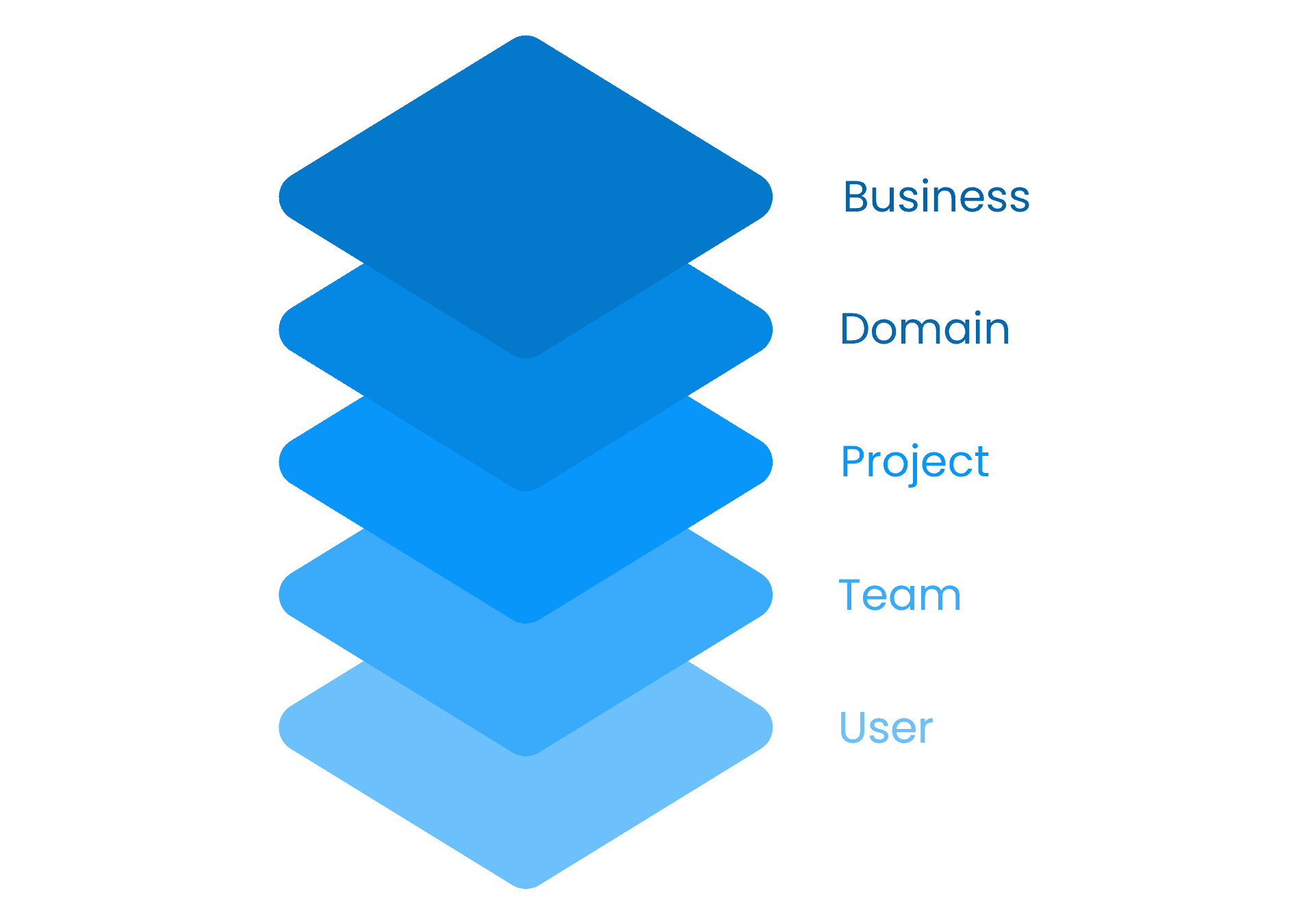
Gain 360° workforce insights across businesses, domains, teams, and users to shorten status calls and automate reporting.
View feature »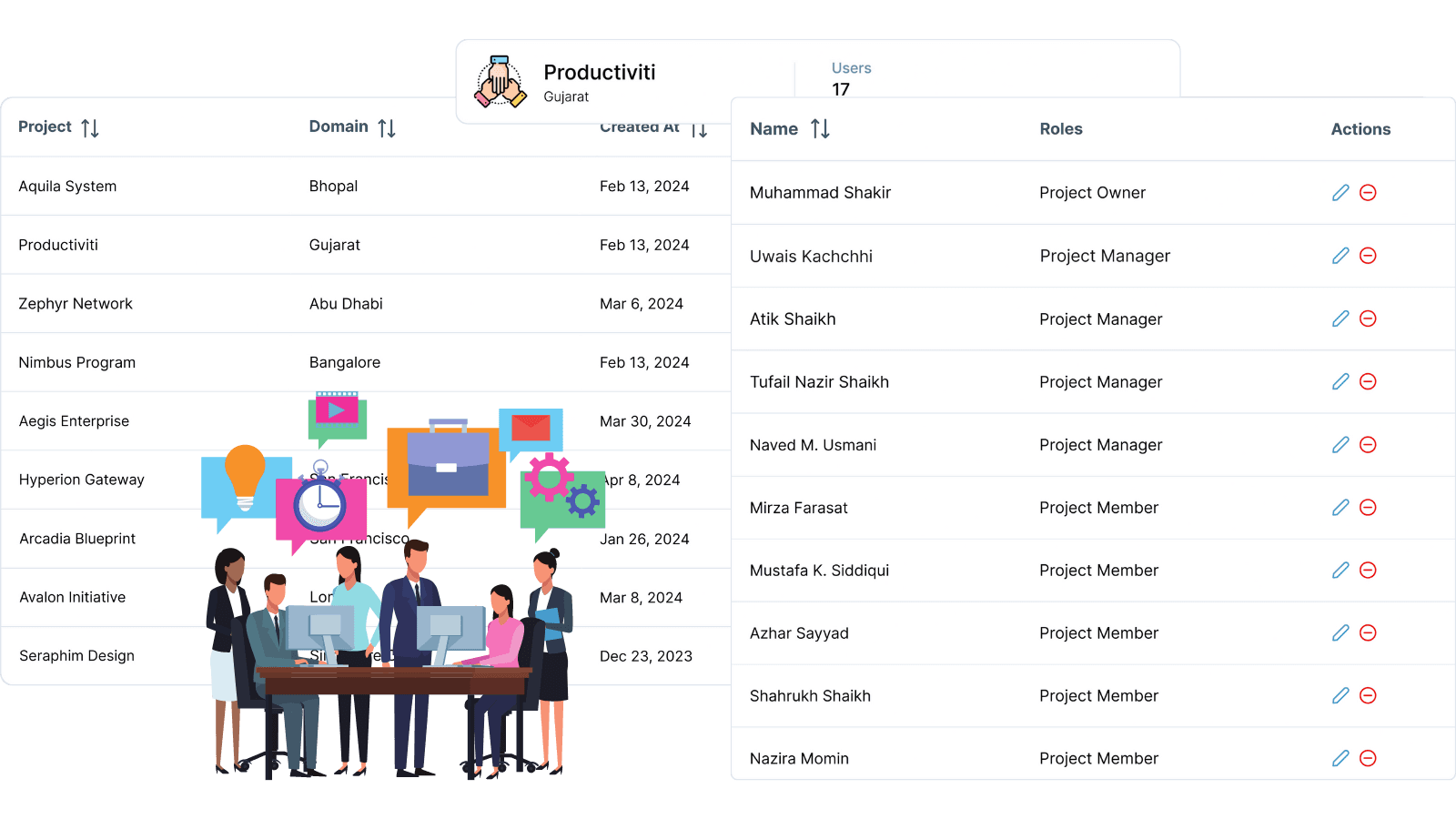
Gain real-time workforce visibility with advanced performance insights to boost efficiency and optimize outcomes.
View feature »Productiviti offers a centralized platform to manage user records, associations, roles, and permissions across domains, projects, and teams.
The platform provides an organized interface to manage user domains, projects, and teams, making role assignments and associations straightforward and efficient.
Yes, roles such as domain, project, and team roles can be defined upfront during user invitations to ensure clarity and streamline onboarding.
Role-based access control and precise permission settings help maintain security and proper access across your organization.
Absolutely, Productiviti's user management dashboard is designed with a clean, intuitive interface to simplify user and role management tasks.