Gain 360° workforce insights across businesses, domains, teams, and users to shorten status calls and automate reporting.
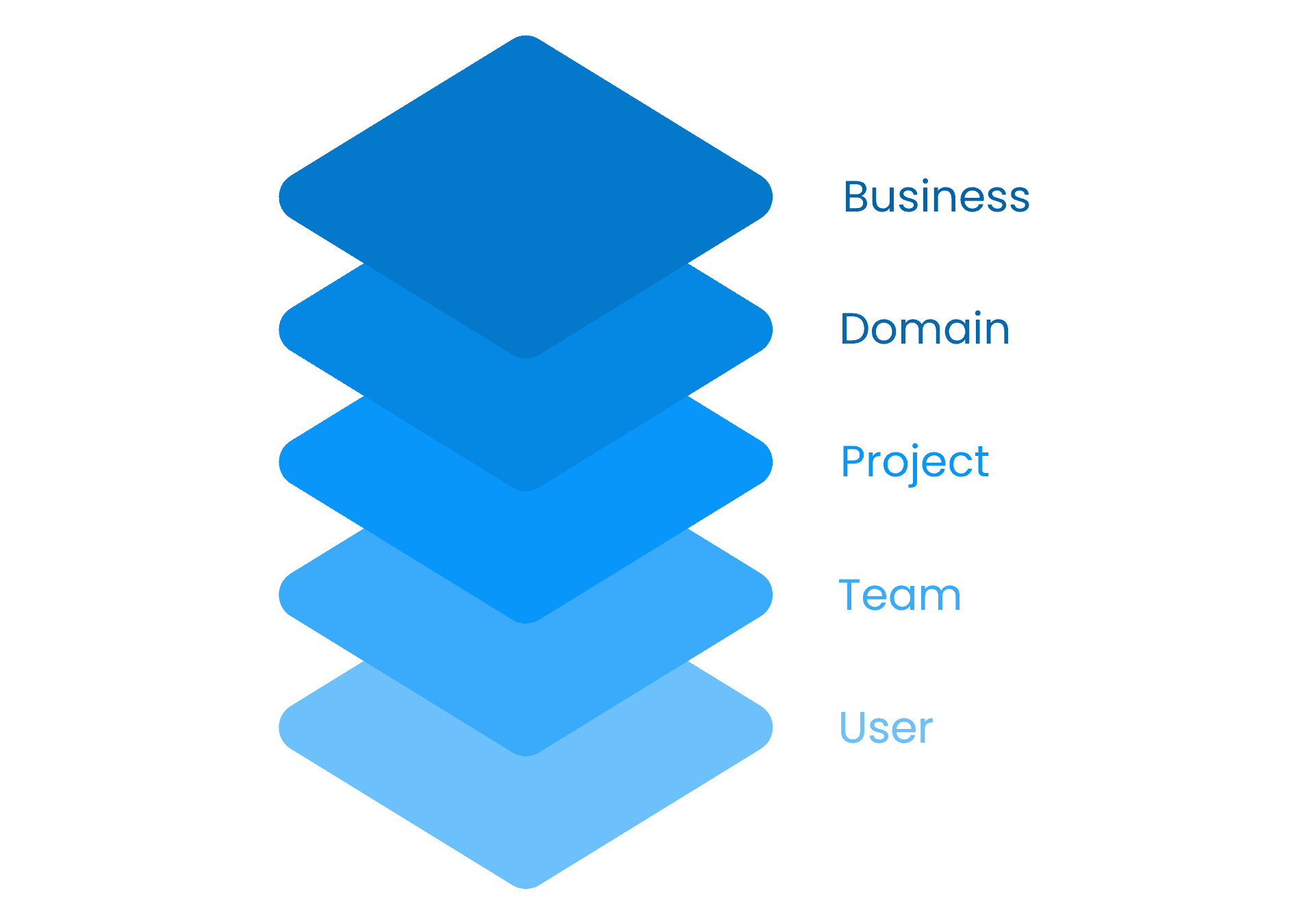
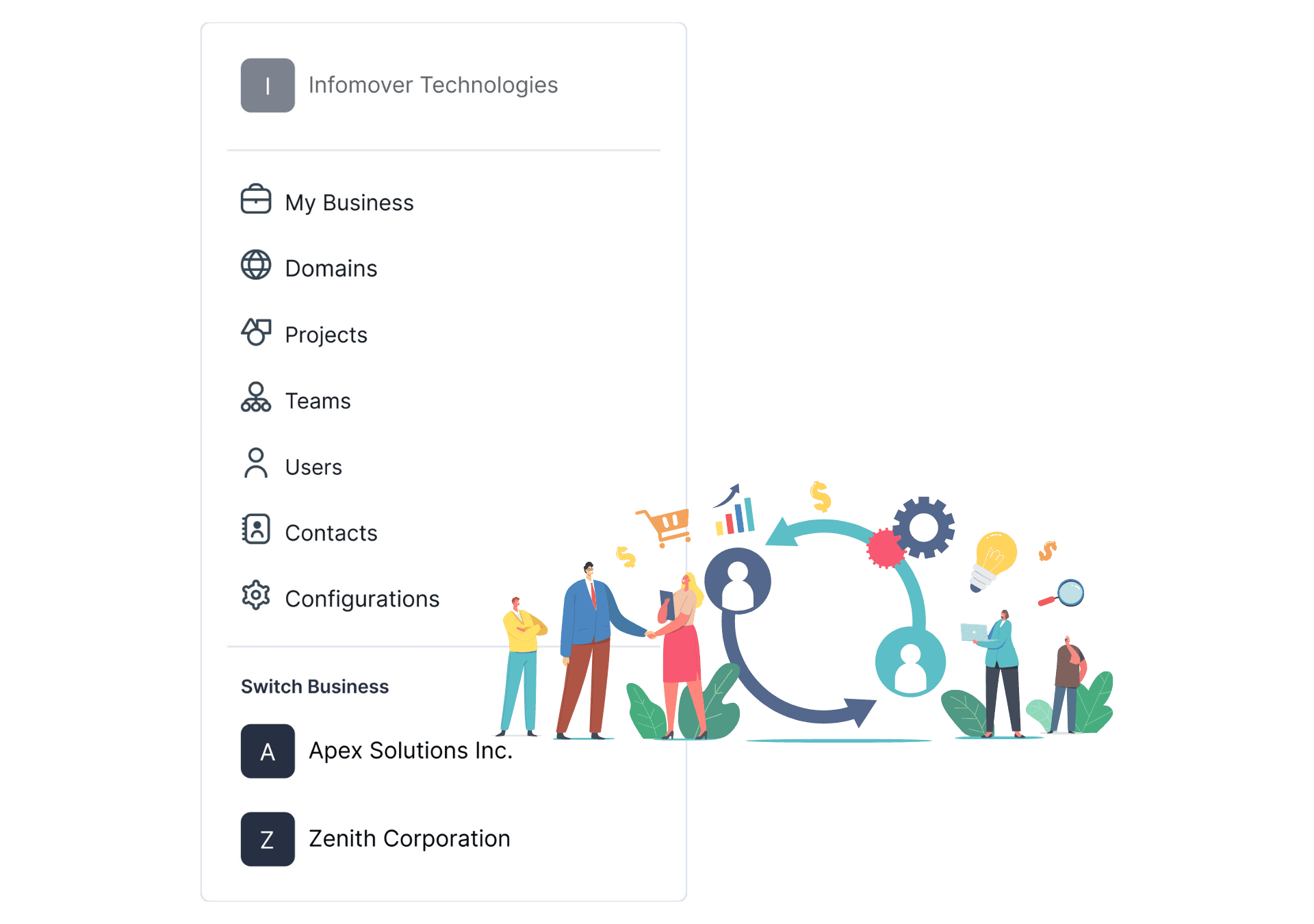
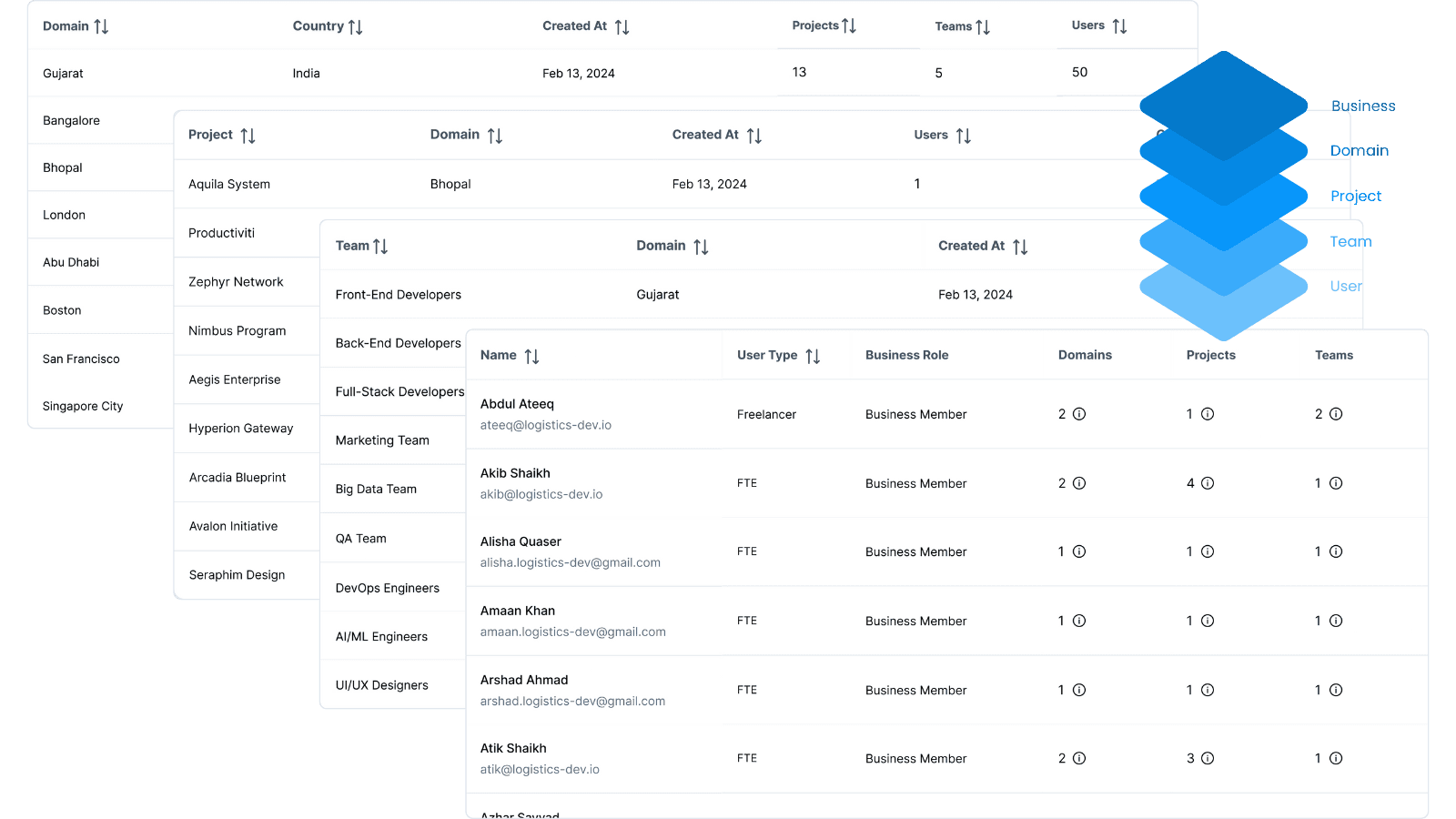
Organize and manage businesses, domains, projects, teams, and users efficiently.
Seamlessly switch between businesses for uninterrupted workflow.
Centralized control with intuitive navigation for enhanced productivity.
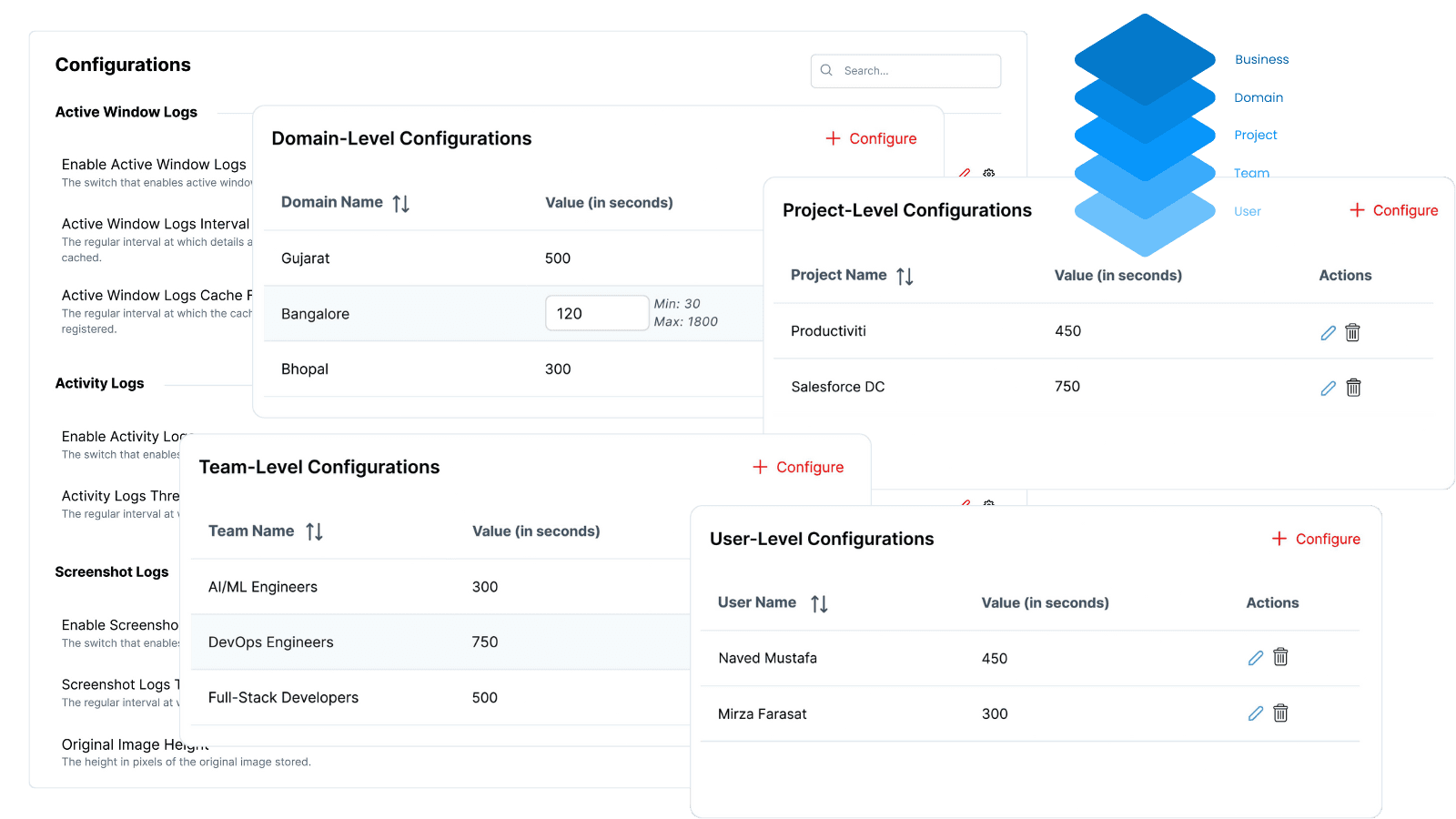
Set specific interval values for domains, projects, teams, and users.
Tailor configurations to capture precise data and insights.
Achieve consistency and flexibility across your enterprise operations.
Define logging intervals for active windows and activities.
Adjust screenshot capture settings for optimal data collection.
Maintain accurate workforce productivity and time tracking records with refreshed log caches.
Monitor total activity and weekly performance averages.
Analyze trends with hourly, daily, weekly, and monthly views.
Leverage graphs and charts for comprehensive workforce insights.

Create multiple businesses and move between them seamlessly for focused workforce oversight.
Organize your hierarchy and apply specific settings at each level for clear operational visibility.
Adjust logging intervals and cache settings to capture the data you need for actionable insights.
Use interactive charts and graphs to monitor workforce trends and automate status reports.
Flexible 5-tier structure to manage businesses, domains, projects, teams, and users from one interface.
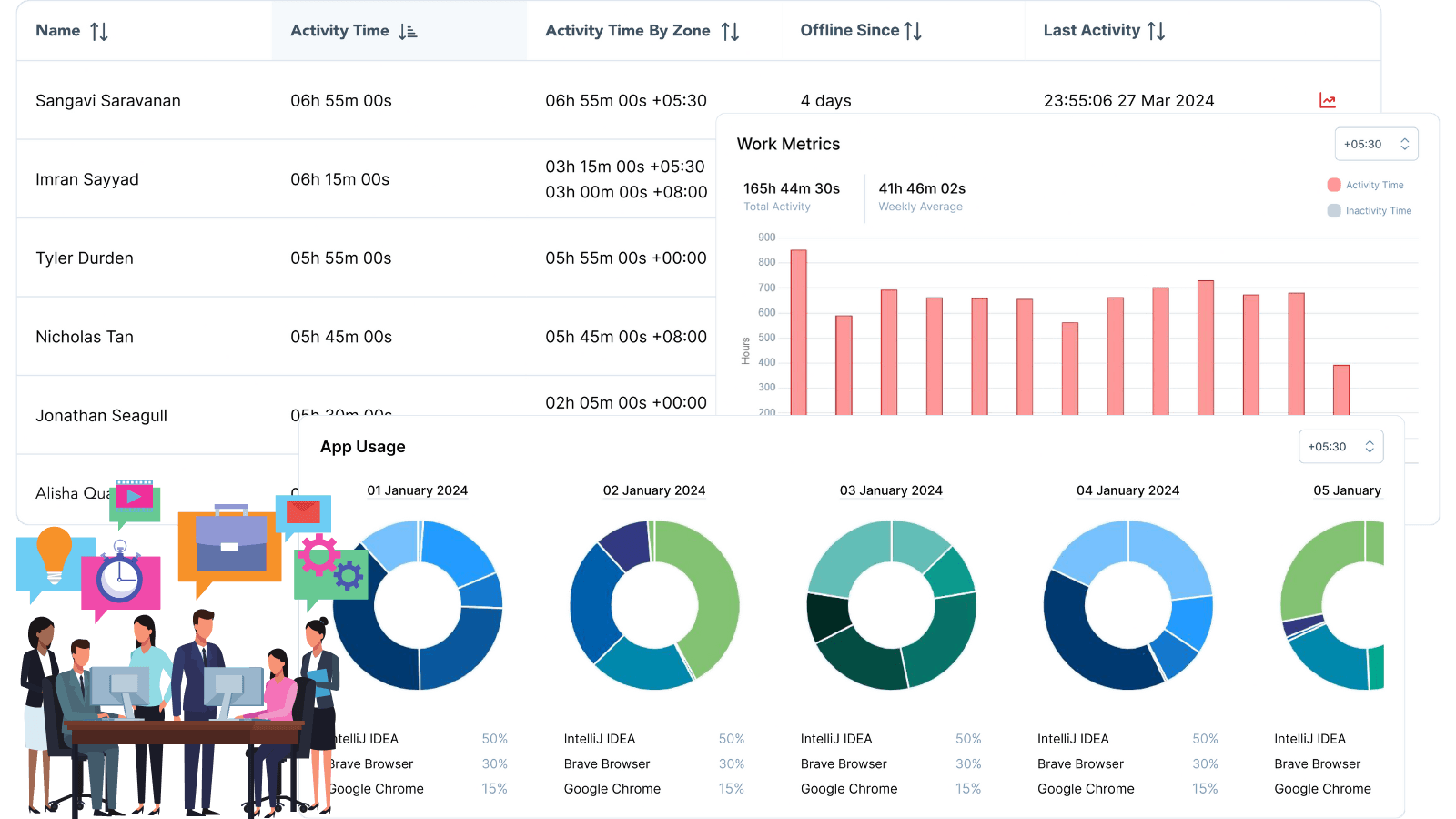
Access in-depth workforce insights with advanced performance tracking. Monitor real-time availability, check last activity, track hours worked, and analyze performance over custom date ranges for better decision-making.
View feature »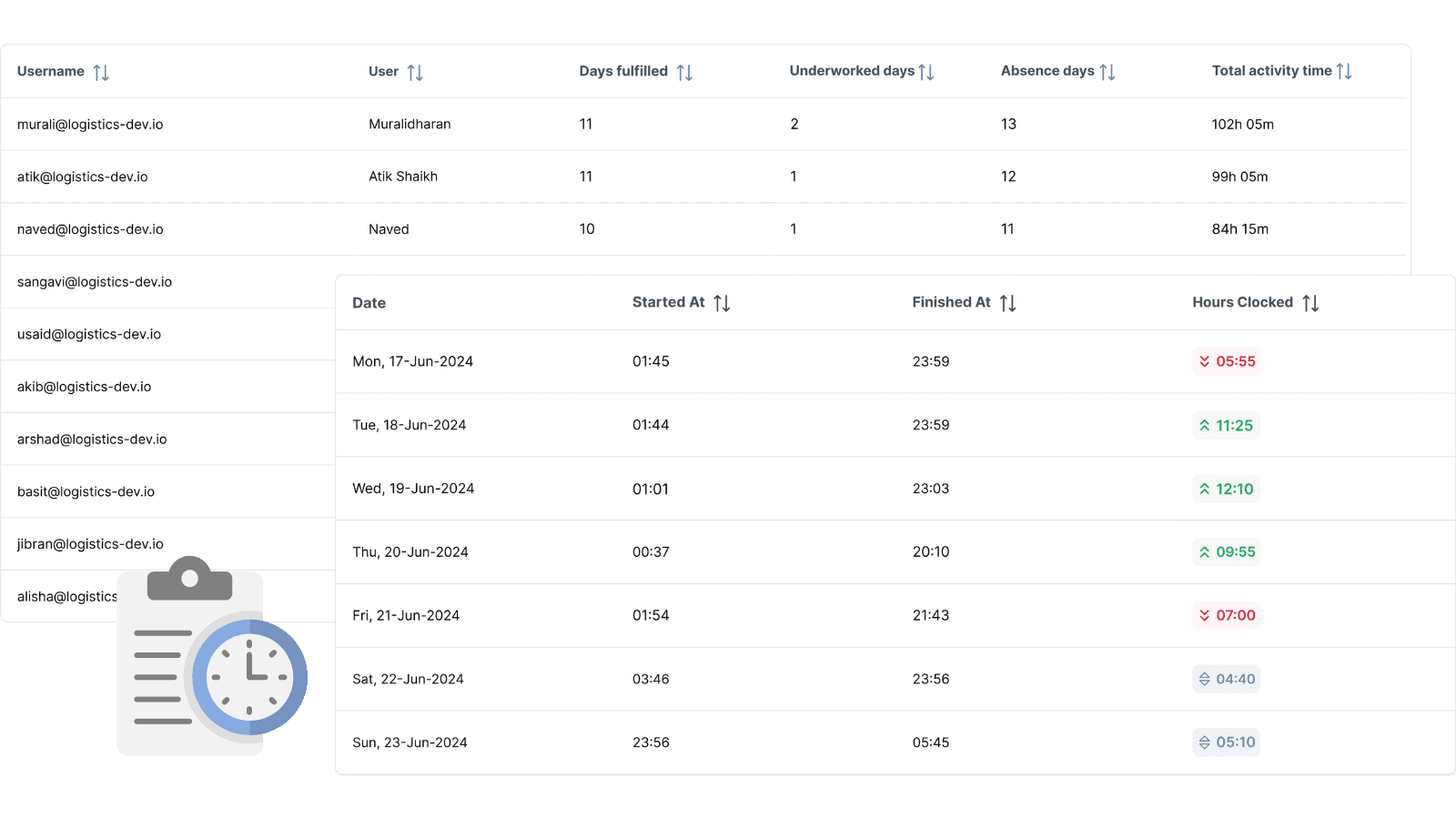
Automate attendance, improve workforce visibility, and get actionable insights for distributed and outsourced teams. Shorten status calls and monitor real-time work trends—no manual check-ins.
View feature »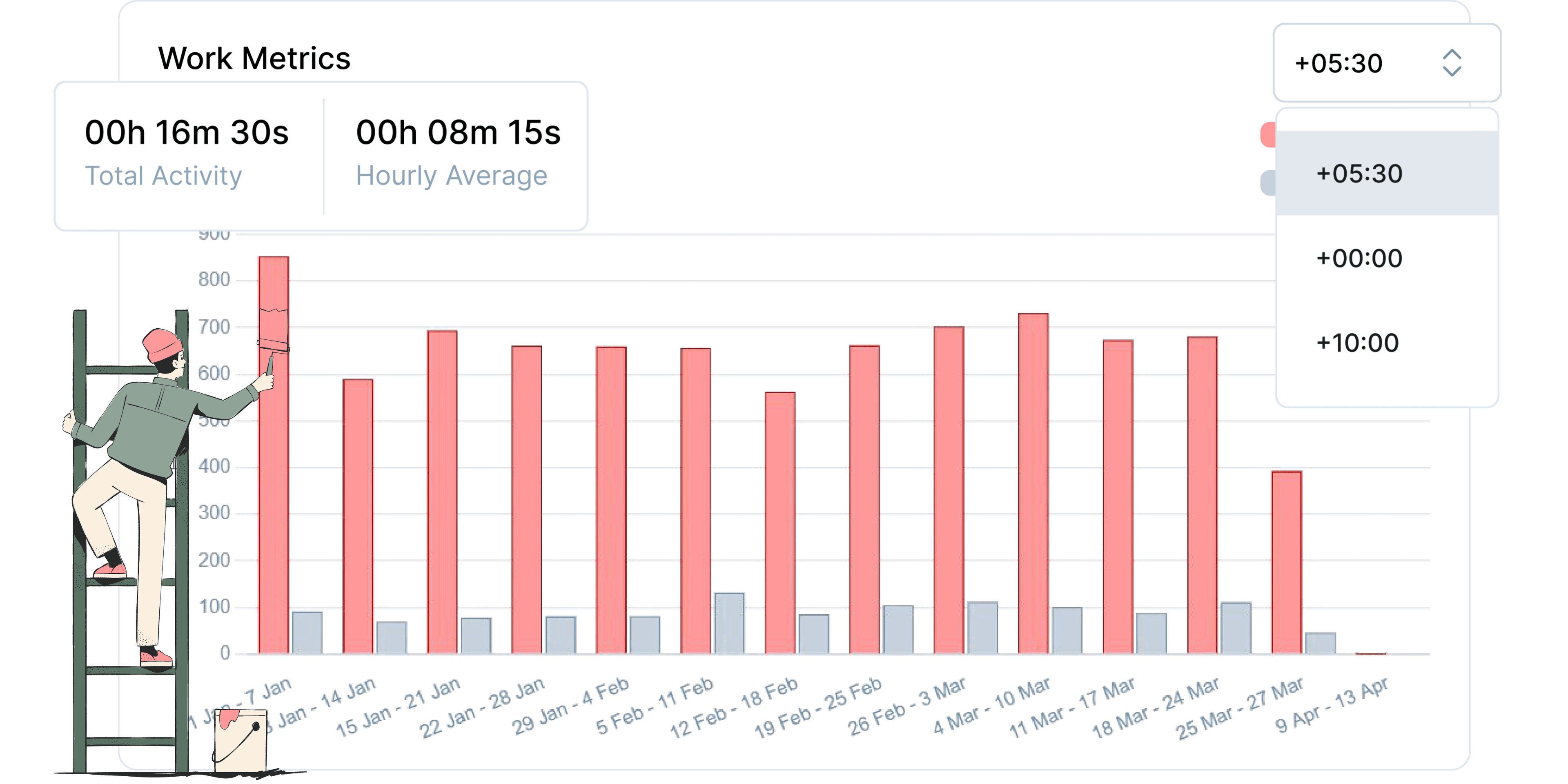
Track work hours across time zones using interactive charts. Automate weekly productivity reports, shorten status calls, and gain real-time workforce visibility.
View feature »Navigate to Configurations to set interval values for domains, projects, teams, or users, aligning with your workflow requirements.
Utilize the business switcher at the top of your dashboard to transition between businesses seamlessly.
Explore hourly, daily, weekly, and monthly charts to monitor workforce productivity and team performance effectively.
Access the Roles & Permissions settings in Business Management to assign and modify roles at any level.