Data-driven insights into employee work patterns and performance metrics.
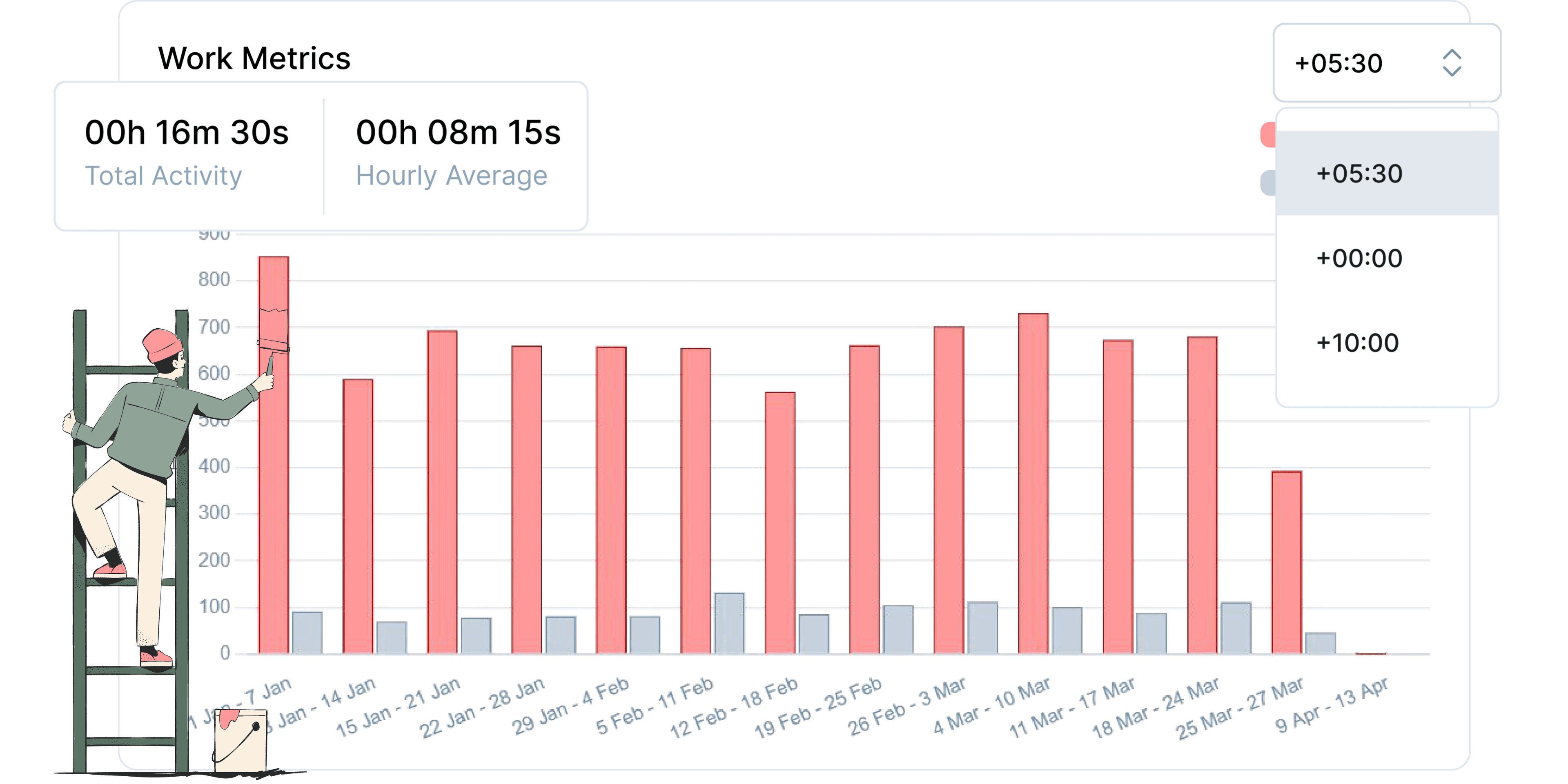
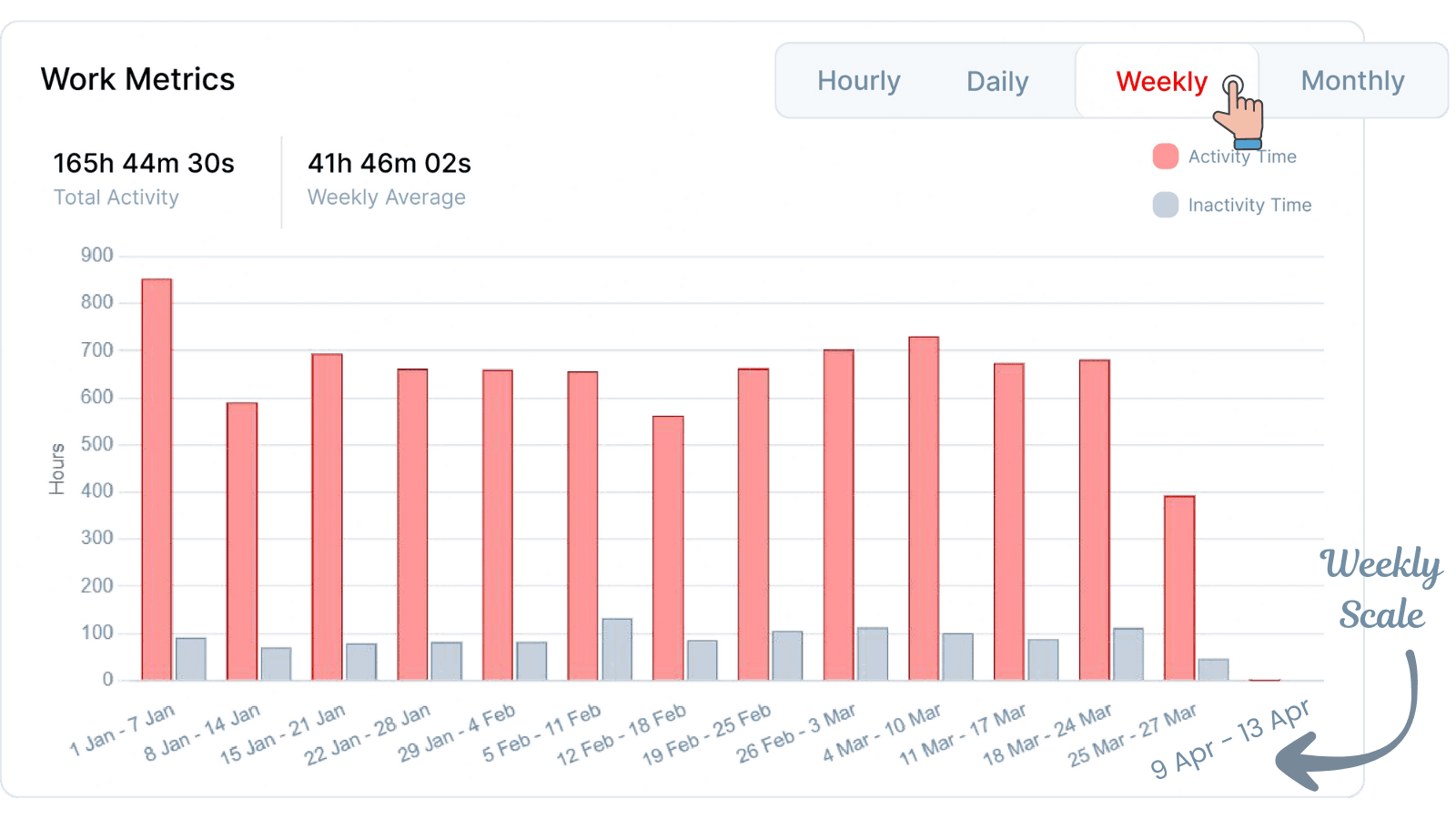
Understand work dynamics across hourly, daily, weekly, monthly, and yearly timescales.
Gain insights to improve resource allocation and project planning.
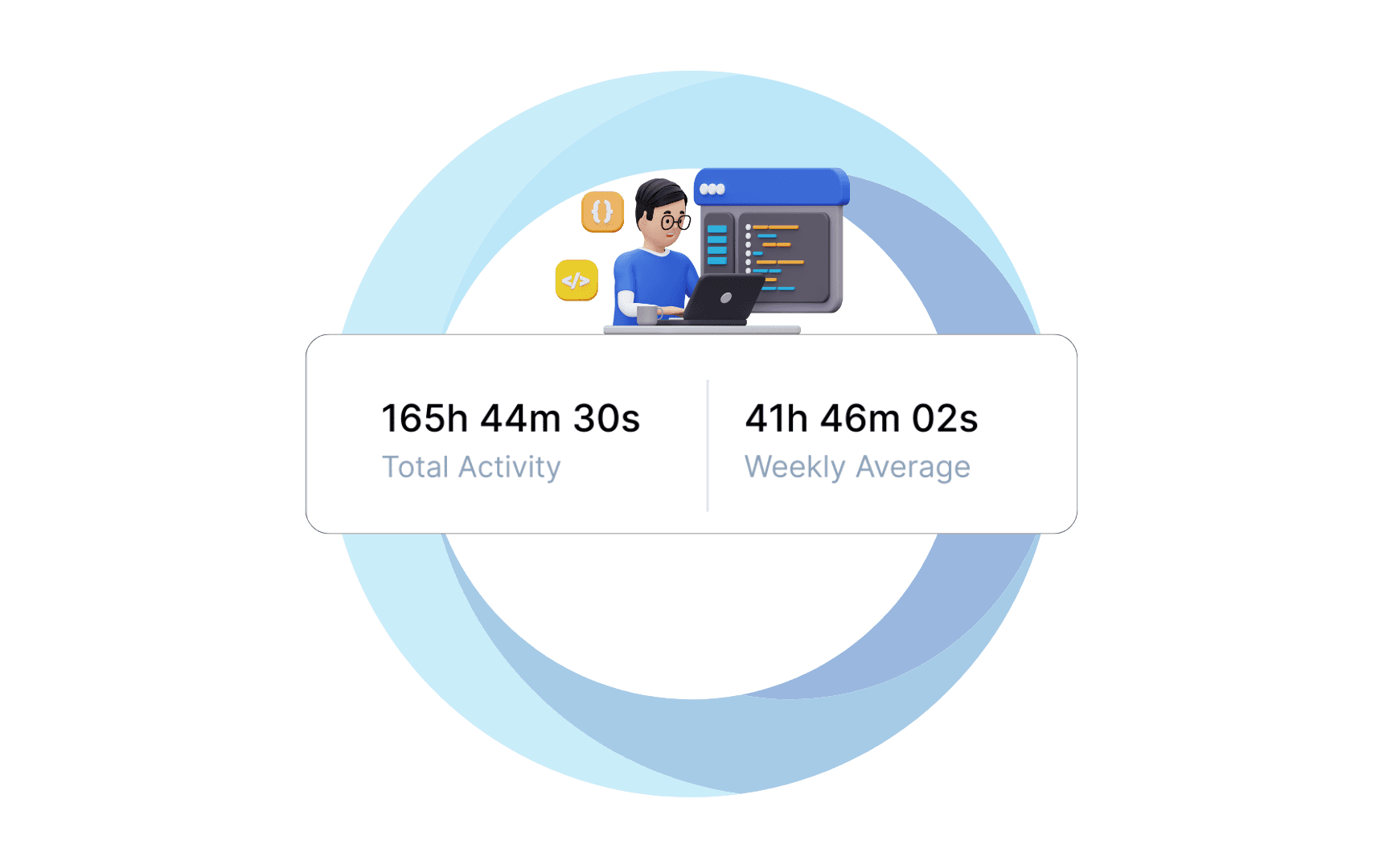
Monitor overall team and individual activity levels.
Use averaged data to identify productivity patterns and anomalies.
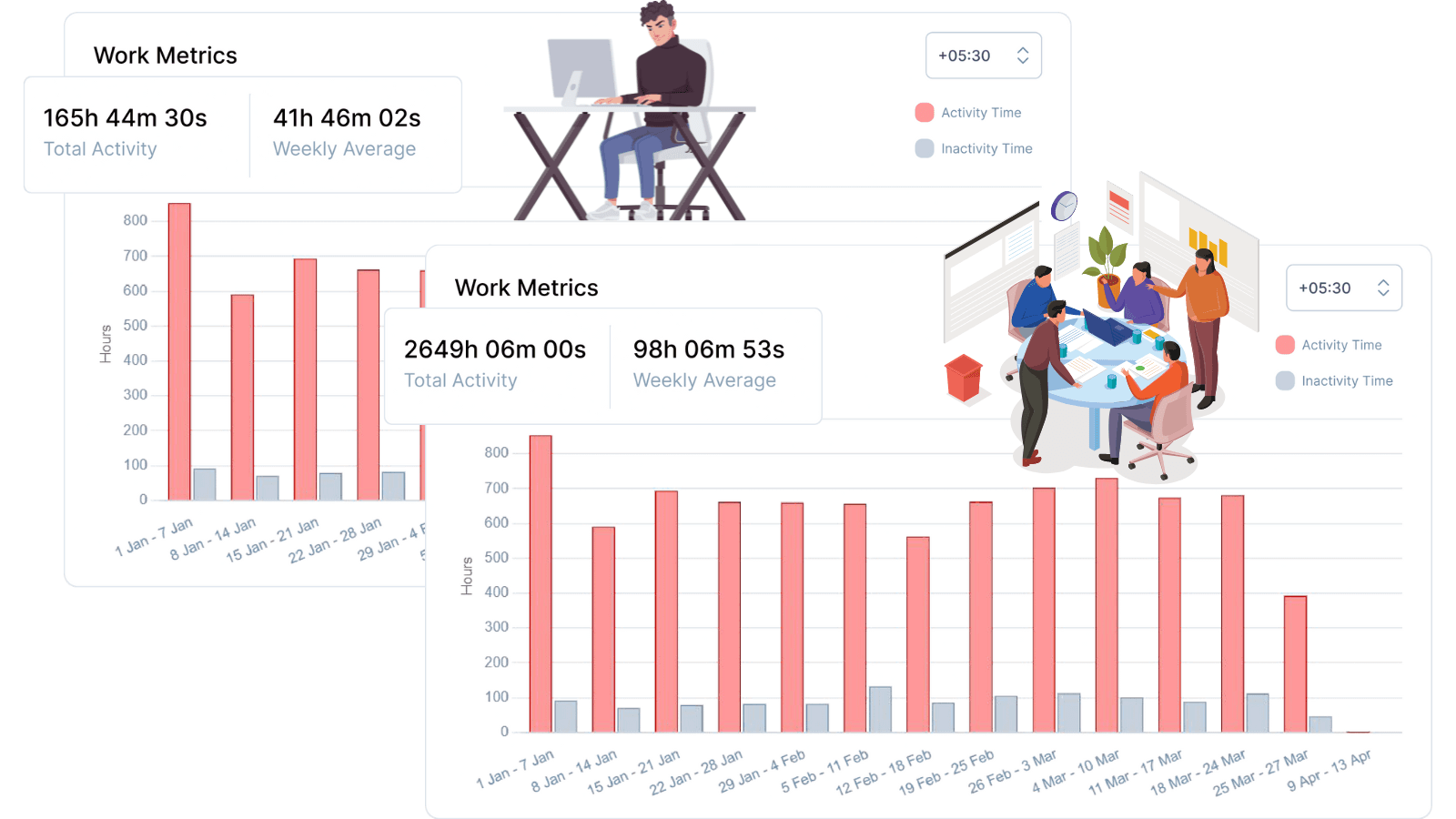
Compare individual contributions with collective team performance.
Identify opportunities for improving team dynamics and efficiency.
Understand how work and rest periods affect overall performance.
Optimize schedules to maximize productive time.
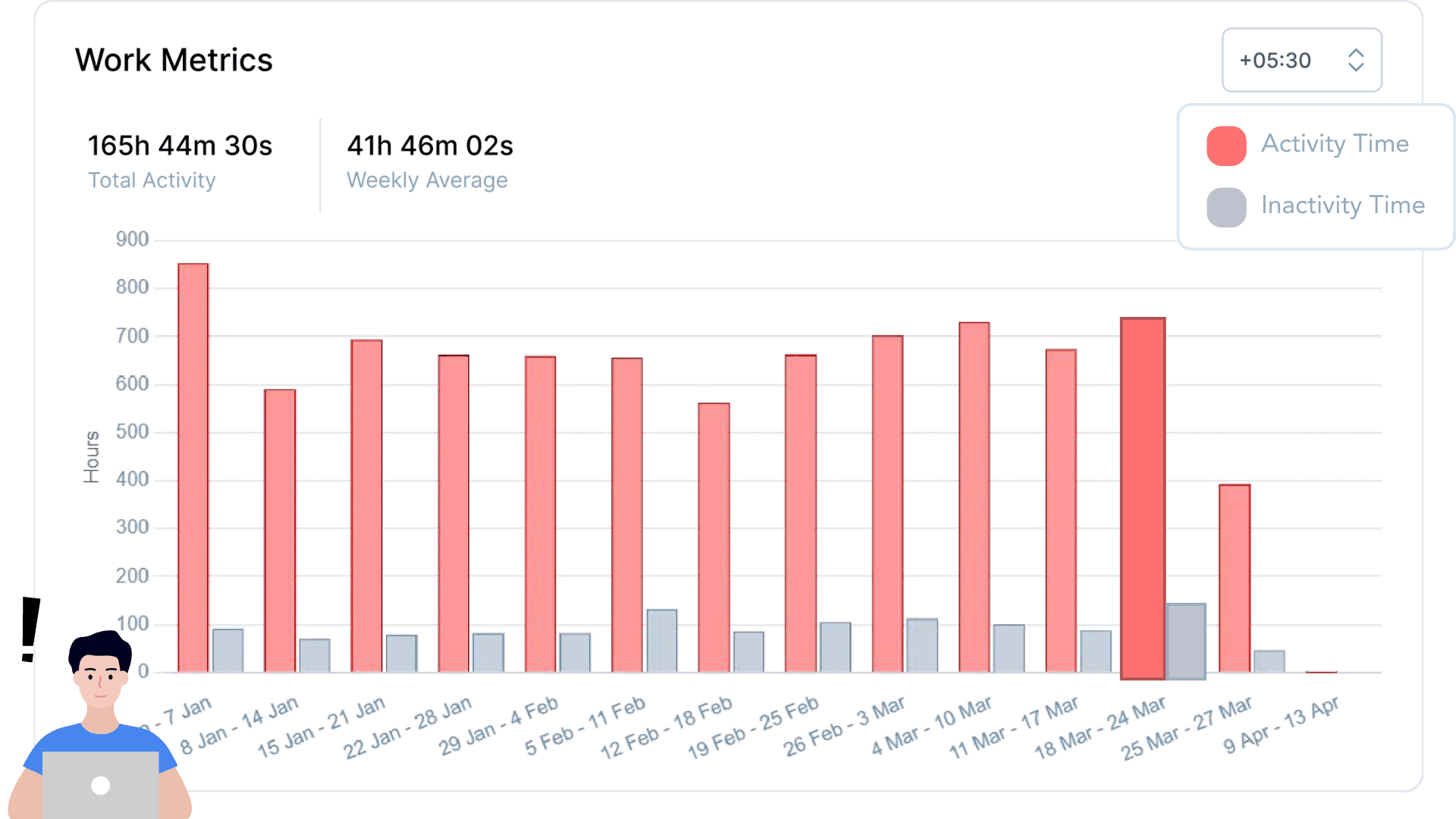
Account for distributed teams working across different regions.
Tailor project management to accommodate time zone differences.
Select the tier for which you want the work metrics.
Select the date range option among the provided options or pick a custom date range.
Select a timescale among the options: hourly, daily, weekly, monthly, and yearly.
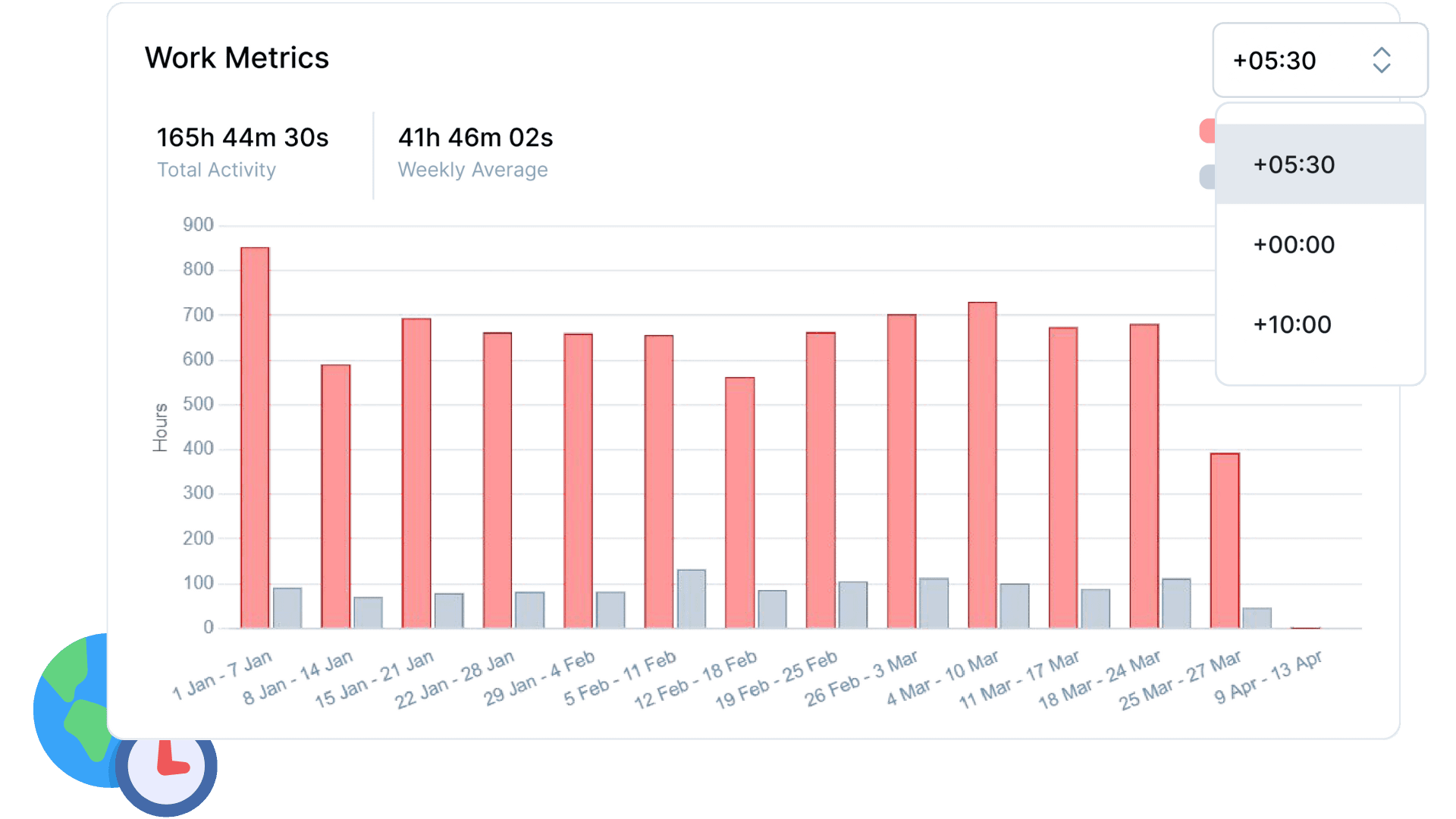
You have the option to filter the results by time zone.
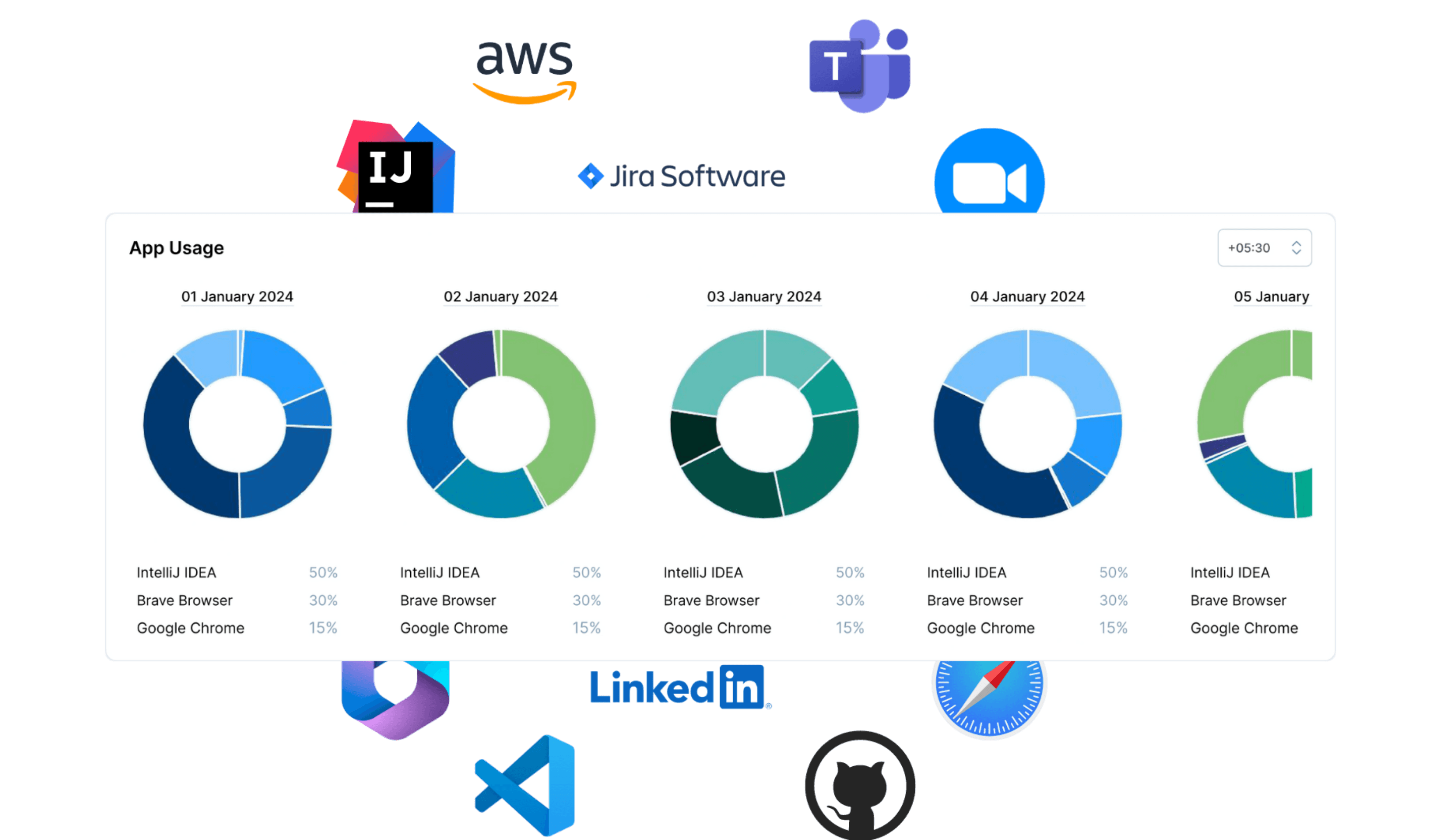
Advanced insights into application utilization patterns for data-driven productivity optimization and workforce efficiency
View feature »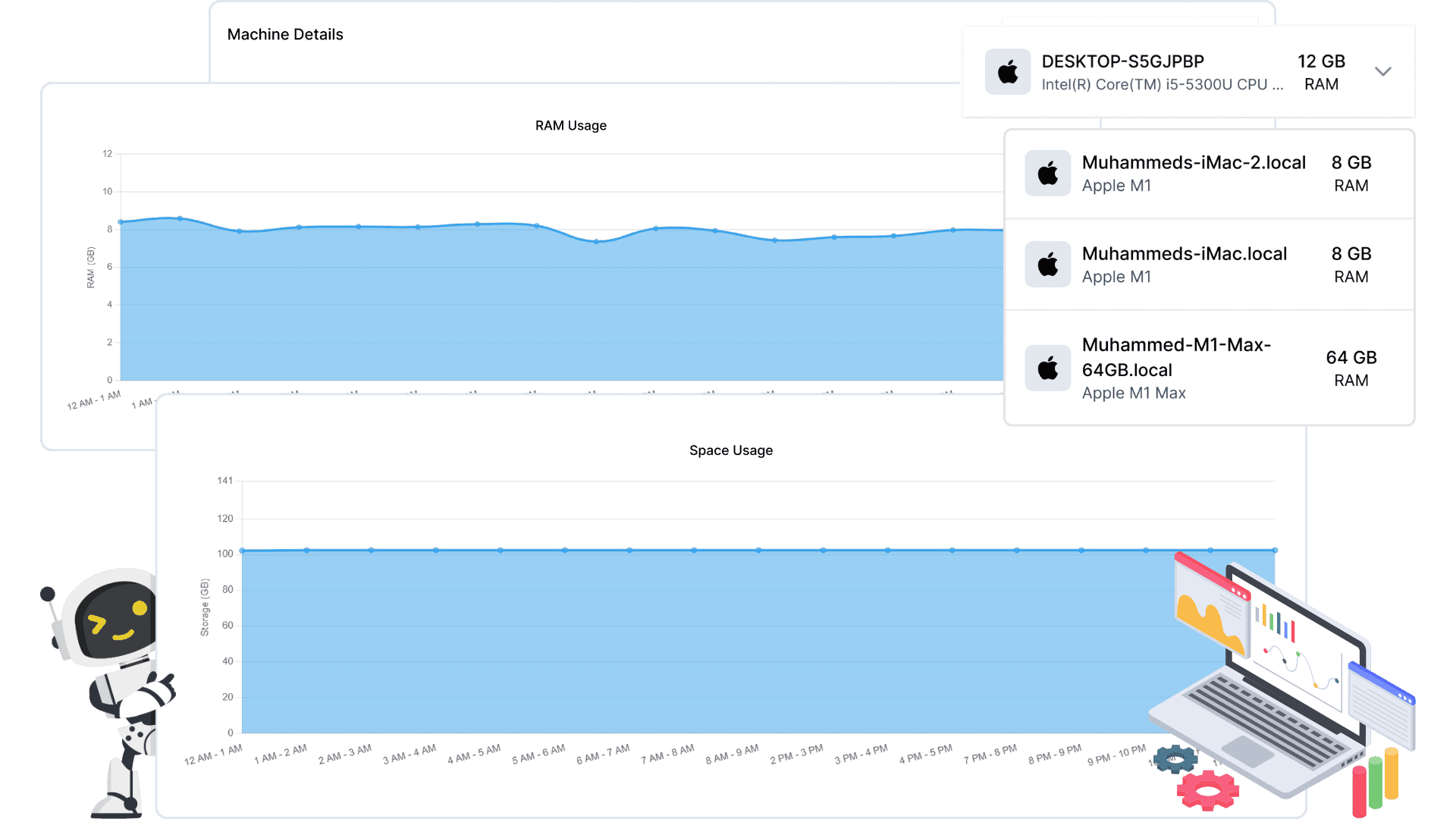
Real-time machine resource monitoring with advanced analytics. Track RAM usage, disk space, and hardware performance across multiple timeframes for optimized infrastructure management.
View feature »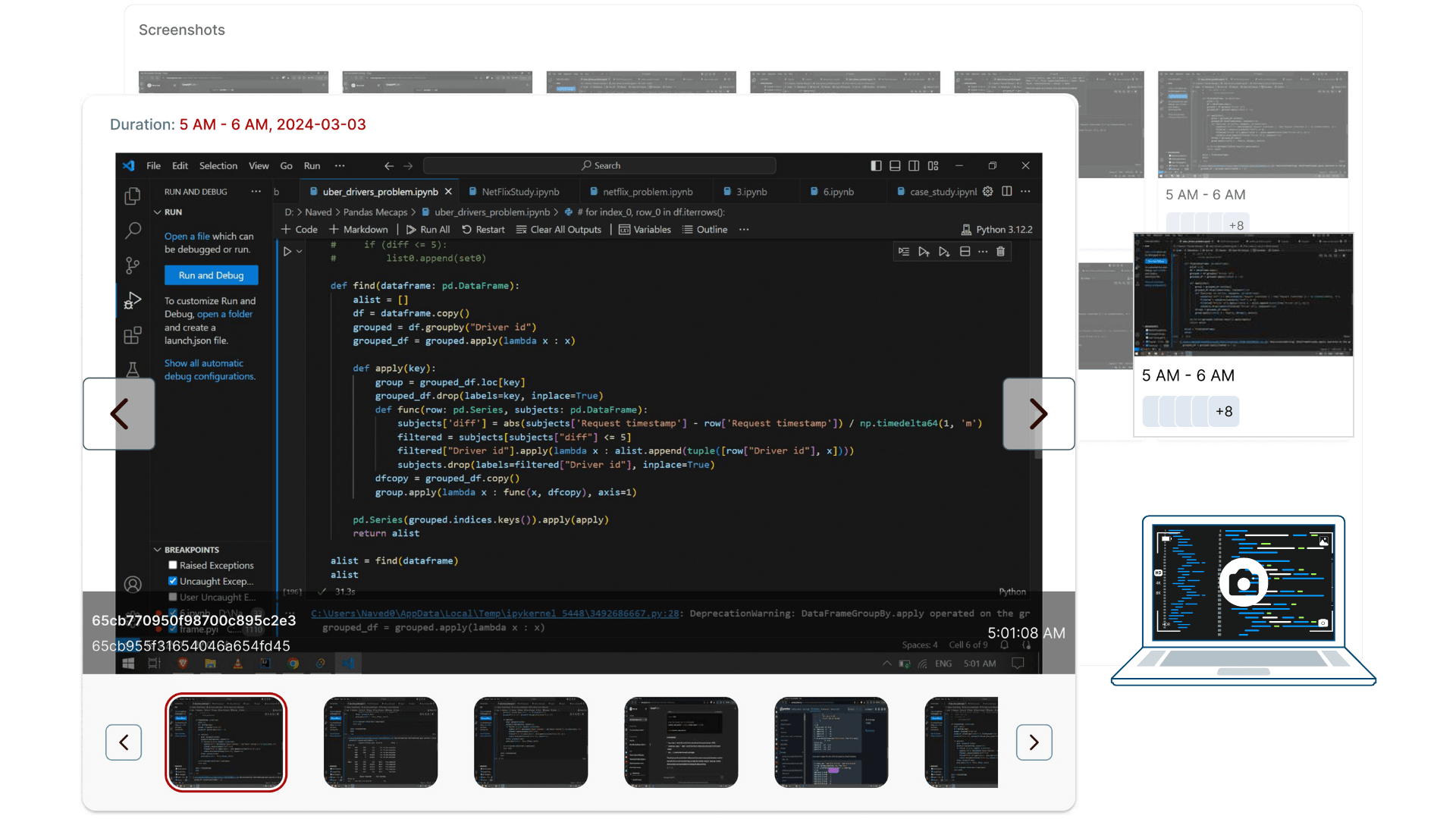
For teams that need verifiable timesheets, Productiviti offers optional, privacy-first activity logging. Features include: employee-controlled pause and full visibility into what's captured. Always deployed with clear policies and team consent.
View feature »Use the time-series bar chart to visualize work trends across various timescales, helping you optimize productivity.
Yes, the feature provides total and averaged activity metrics based on your selected timescale for comprehensive analysis.
Absolutely, analyze work metrics at both individual and collective levels to ensure balanced workload and collaboration.
Compare active and inactive periods to discover insights that can enhance your productivity strategies.
Yes, you can filter work metrics based on local time zones to accommodate distributed teams and regional differences.